



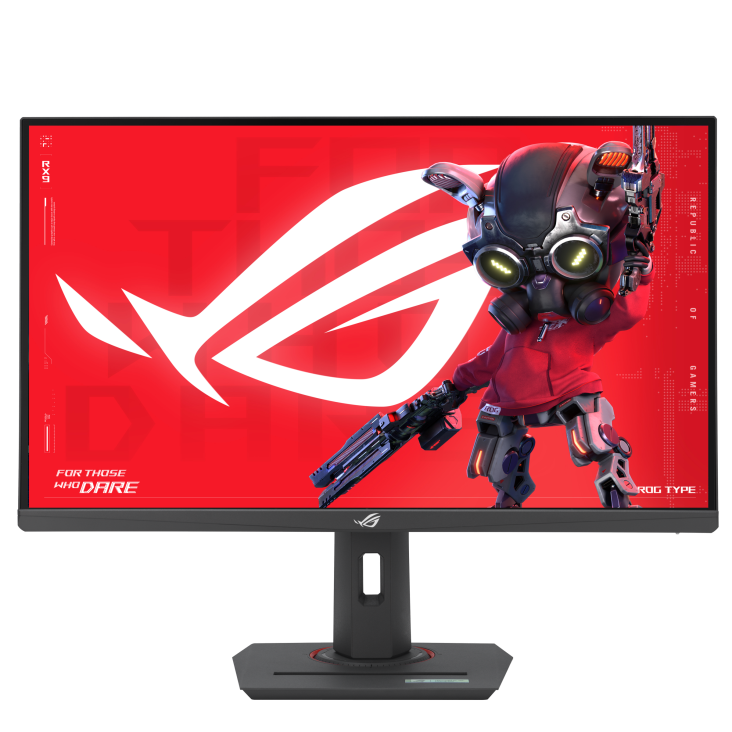
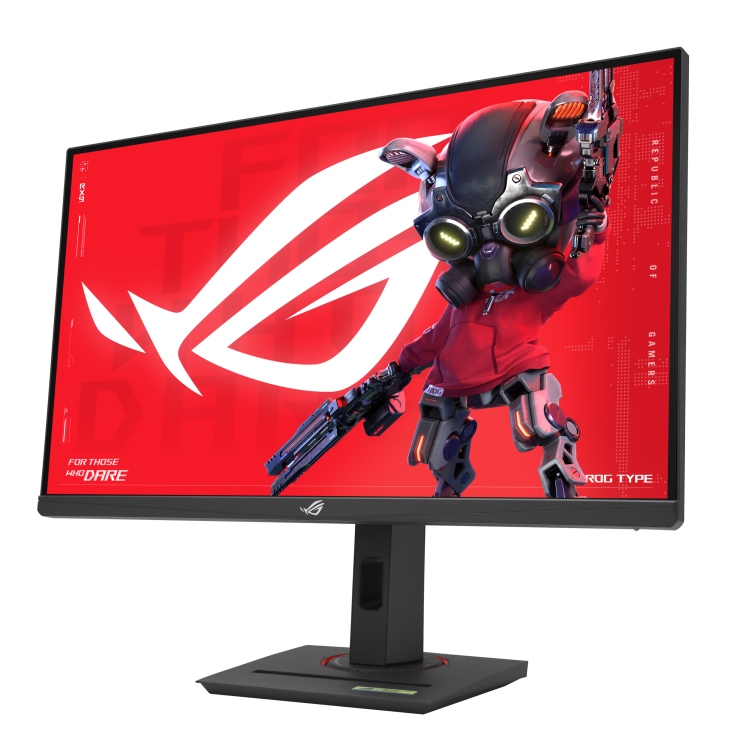
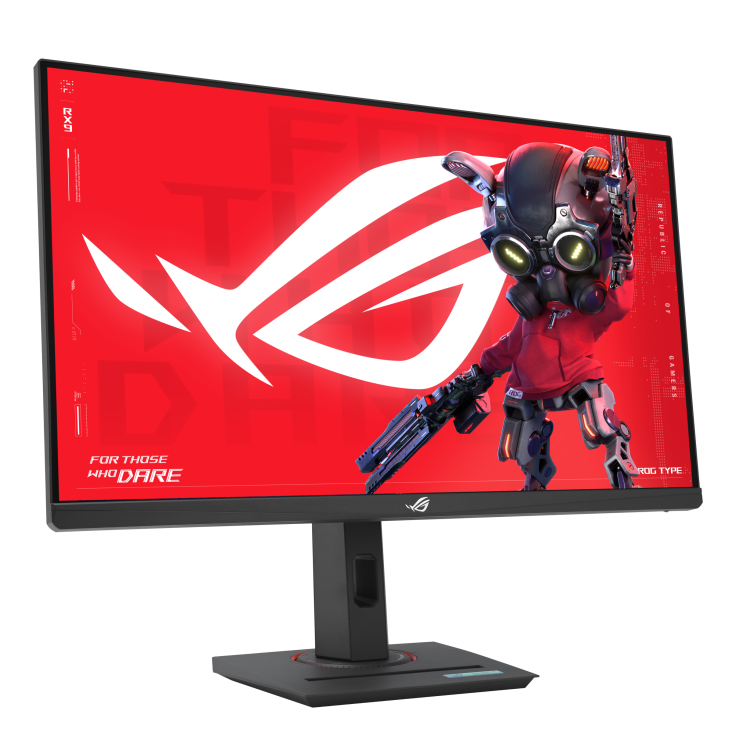

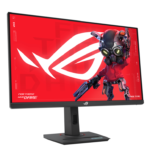
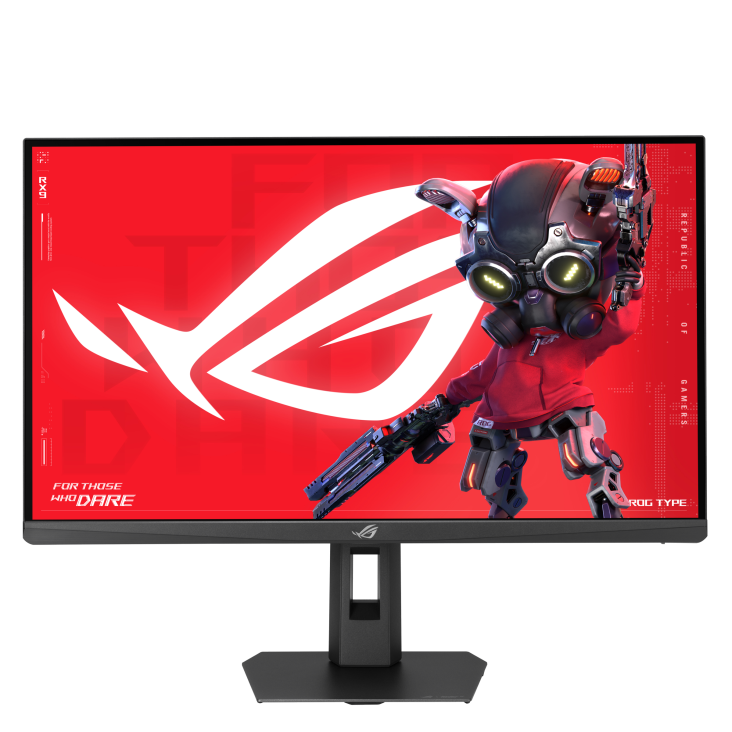
ASUS ROG XG27UCS 27 Inch 4K Gaming Monitor
The ASUS ROG XG27UCS combines a 27-inch 4K UHD display with a 160Hz refresh rate for detailed gaming and everyday computing. Its Fast IPS panel suits a desk used for action games, entertainment and work, while USB-C connectivity adds another way to connect a compatible device. Choose this monitor when you want a sharp desktop image alongside the responsiveness of a high refresh rate in a familiar screen size.
XG27UCS with 4K UHD Clarity
A native resolution of 3840 × 2160 brings fine detail to game environments, photographs and text. At 27 inches, the screen has a pixel density of approximately 163 PPI. You can adjust operating-system scaling to keep menus and documents comfortable to read while retaining the detail of the native resolution. Arrange windows for research, spreadsheets or browsing, then return to full-screen entertainment. This flexibility makes the XG27UCS useful beyond a dedicated gaming session.
160Hz Fast IPS for Responsive Gameplay
The combination of a 160Hz maximum refresh rate and 1ms GTG response time supports fast-moving content. Use it for racing, shooters and other games where following movement matters. Variable Overdrive 2.0 adjusts overdrive behaviour as frame rates change, helping manage motion clarity across different gaming conditions. Set your computer to the desired resolution and refresh rate after connecting the monitor. Actual game performance will depend on your graphics card, processor, quality settings and the demands of each title.
ELMB Sync and Adaptive Gaming
ASUS ELMB Sync technology combines backlight strobing with variable refresh rate to help reduce motion blur while maintaining screen synchronisation. The monitor also supports AMD FreeSync Premium and NVIDIA G-SYNC Compatible operation. These options help reduce tearing with compatible graphics hardware. NVIDIA lists G-SYNC Compatible support through DisplayPort with a supported graphics driver. ASUS notes that ELMB Sync reduces brightness and cannot operate simultaneously with HDR, allowing you to select the motion or picture settings that suit your game.
DisplayHDR 400 and Wide-Gamut Colour
HDR10 support and VESA DisplayHDR 400 certification allow the XG27UCS to display compatible HDR content. ASUS specifies 95% DCI-P3 coverage and support for 10-bit colour. These features provide options for enjoying colourful games, films and visual content. Choose an appropriate display mode when moving between entertainment and desktop applications. Brightness, gamma, colour-temperature and six-axis colour controls let you personalise the picture for your surroundings. Adjust your preferences as you move between different activities.
USB-C, DisplayPort and HDMI Connections
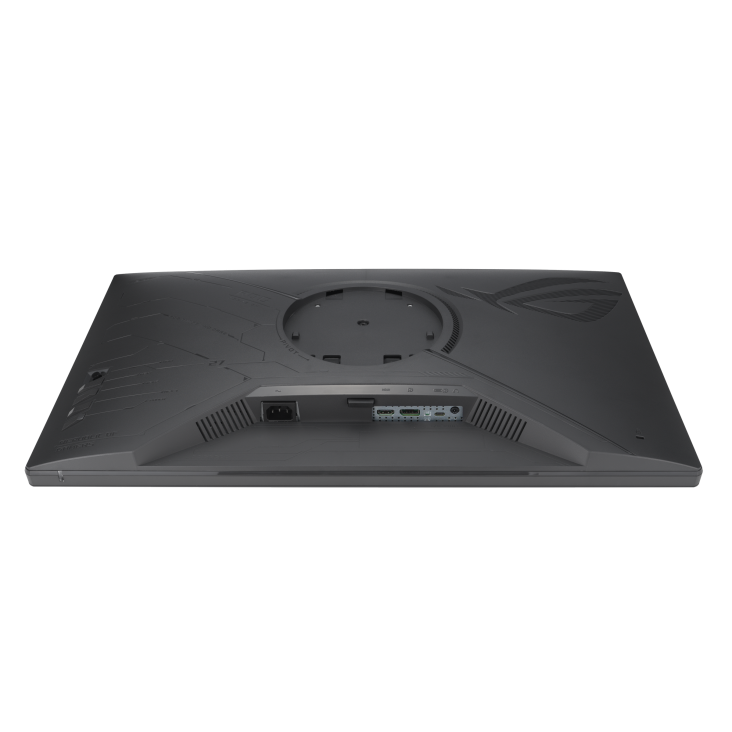
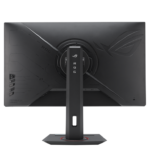
One USB-C port with DisplayPort Alt Mode, one DisplayPort 1.4 input and one HDMI 2.1 input give you several connection options. USB-C Power Delivery is rated at 15W, so check your device’s charging requirements when planning a USB-C setup. The source device must support video through its USB-C port, and the selected cable must support the required connection. A headphone output provides an audio option for your setup; the monitor has no built-in speakers.
Gaming Tools and DisplayWidget Center
Dynamic Crosshair helps keep the aiming reticle visible against changing backgrounds, while Dynamic Shadow Boost adjusts darker areas of a game scene. GamePlus and GameVisual offer further ways to configure the display around your preferred content. For routine adjustments, ASUS DisplayWidget Center provides mouse-based access to supported settings such as brightness, contrast and colour temperature. Available functions depend on the monitor and software version. Set up your preferences for gaming, reading and video, then refine them as needed.
Adjustable Stand for a Practical Desk Setup
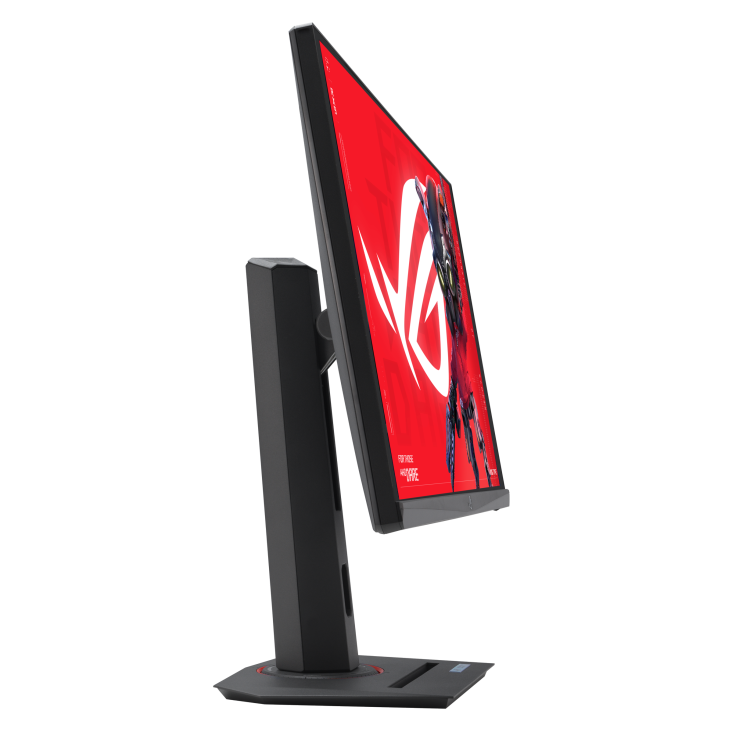
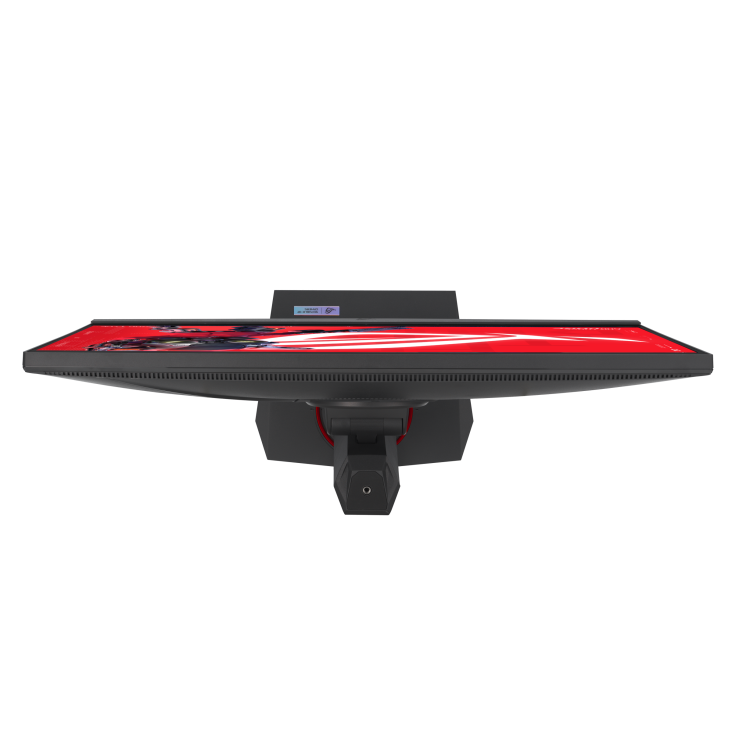
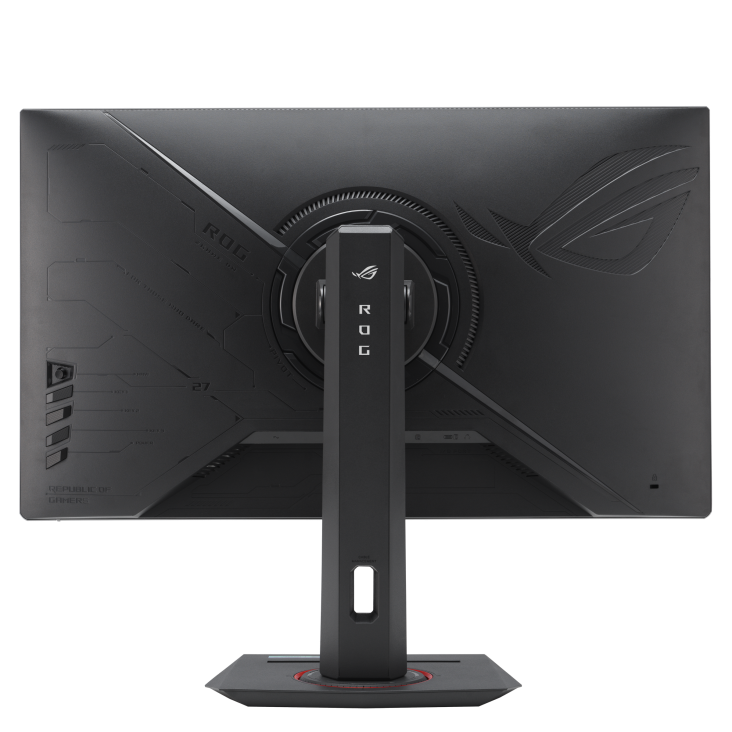
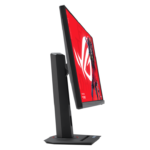
Height, tilt, swivel and pivot adjustments help position the XG27UCS around your seating arrangement. The stand includes a phone holder, and VESA mounting supports a compatible separately purchased arm or bracket. Consider viewing distance, screen height and room reflections when arranging your desk. Low Blue Light and Flicker-free features add viewing-comfort options. Make adjustments for the task at hand, whether you are working through documents, sharing the screen or settling into a game.
Complete Your XG27UCS Setup
Explore suitable desktop computers at Aadinath Peripherals & Consumables. Read the official XG27UCS specifications for detailed information, or contact our team for help matching this 4K monitor to your computer, connections and workspace.
Technical specifications
| Specification | Details |
|---|---|
| Model | ASUS ROG XG27UCS |
| Screen / panel / surface | 27 inches / Fast IPS / Anti-glare |
| Native resolution / aspect ratio | 3840 × 2160 4K UHD / 16:9 |
| Pixel density | 163 PPI |
| Maximum refresh rate | 160Hz |
| Response time | 1ms GTG |
| HDR | HDR10; VESA DisplayHDR 400 |
| Brightness | 400 cd/m² typical; 450 cd/m² peak HDR |
| Colour gamut | 95% DCI-P3; 130% sRGB |
| Display colours | 1.0737 billion; 10-bit |
| Contrast ratio / viewing angles | 1000:1 typical / 178° horizontal and vertical |
| Adaptive refresh | AMD FreeSync Premium; NVIDIA G-SYNC Compatible over DisplayPort |
| Motion features | ELMB; ELMB Sync; Variable Overdrive 2.0 |
| Video inputs | 1 × DisplayPort 1.4; 1 × HDMI 2.1 FRL; 1 × USB-C DP Alt Mode |
| USB-C Power Delivery | 15W |
| Audio | Headphone output; no built-in speakers |
| Stand adjustment | Height: 0–120mm; tilt: -5° to +20°; swivel: ±45°; pivot: ±90° |
| VESA / tripod socket | 100 × 100mm / ¼-inch |
| Gaming tools | GamePlus; GameVisual; Dynamic Crosshair; Dynamic Shadow Boost |
| Software | ASUS DisplayWidget Center |
| Viewing-comfort features | Low Blue Light; Flicker-free |
| Listed power consumption | 26W |
| Dimensions with stand, W × H × D | Approx. 61.48 × 51.28 × 21.88 cm |
| Net weight with / without stand | Approx. 6.57kg / 3.88kg |
| Gross weight with box | Approx. 10.05kg |
| Box dimensions, W × H × D | Approx. 78 × 22.6 × 51.5 cm |


Reviews
Clear filtersThere are no reviews yet.