



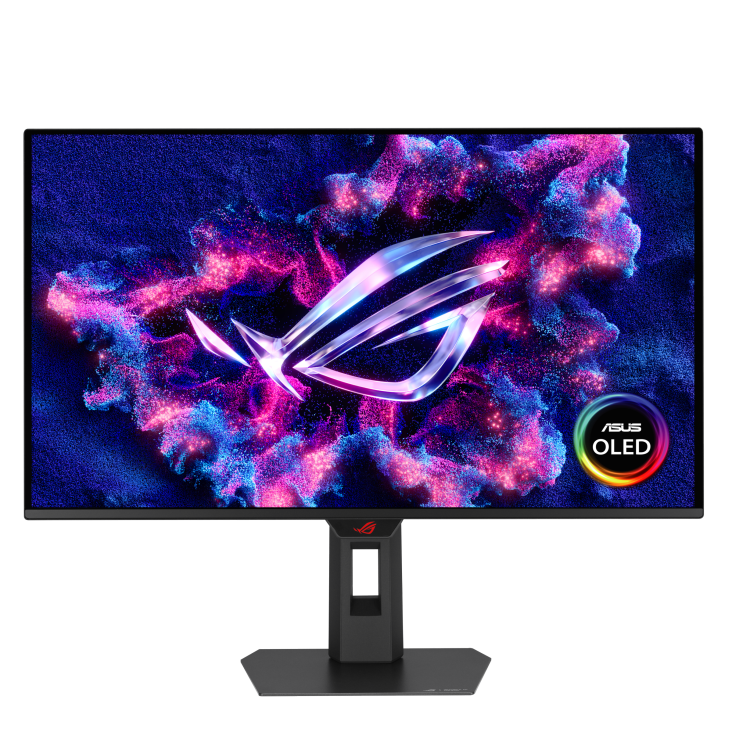
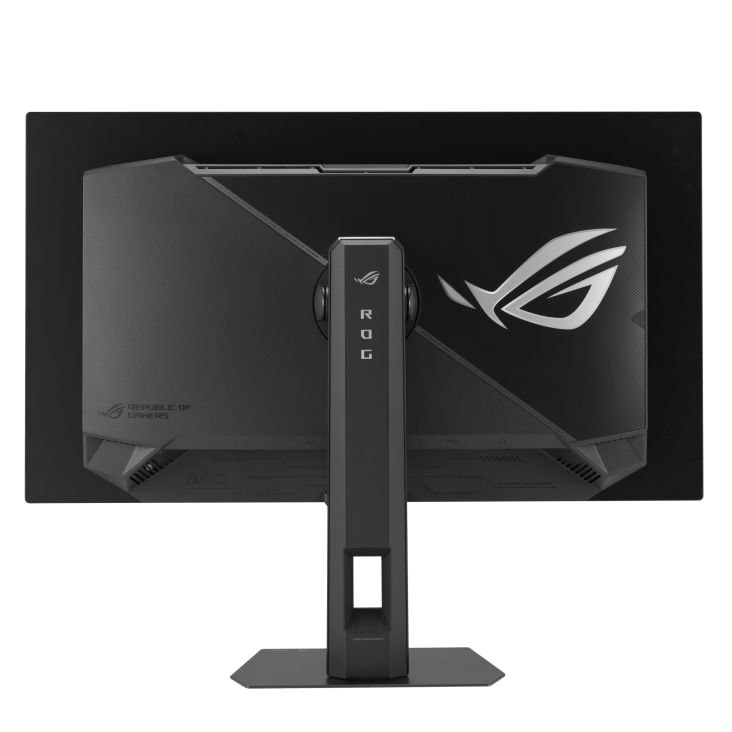
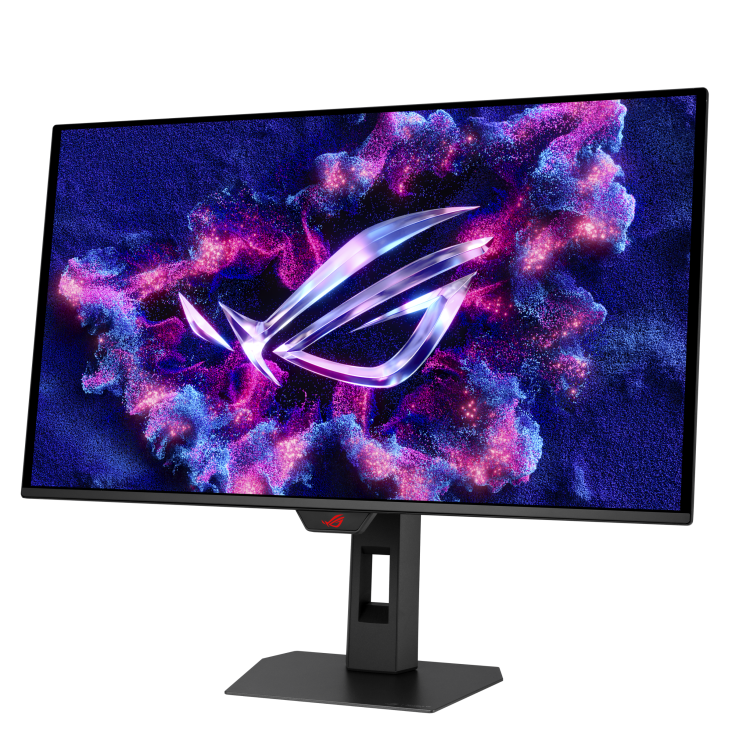
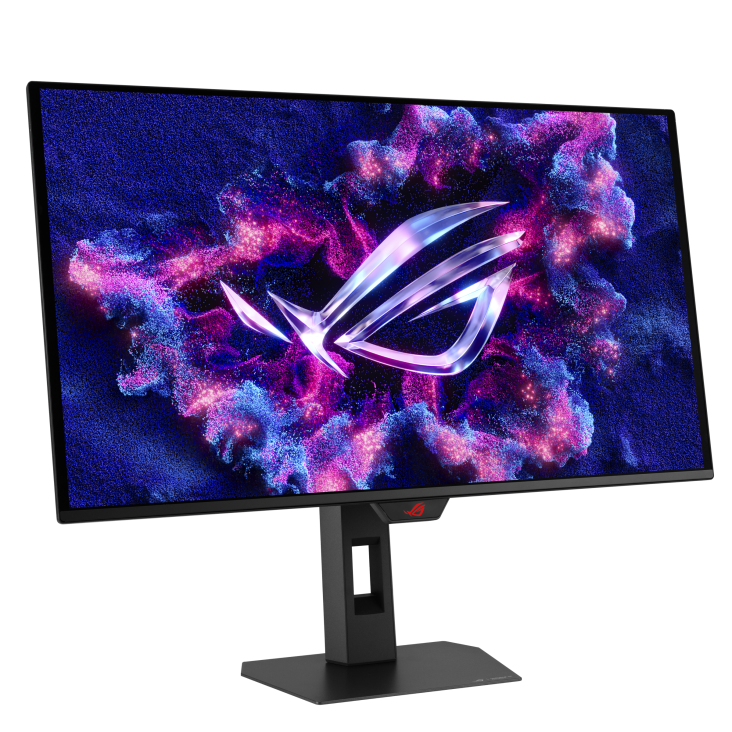
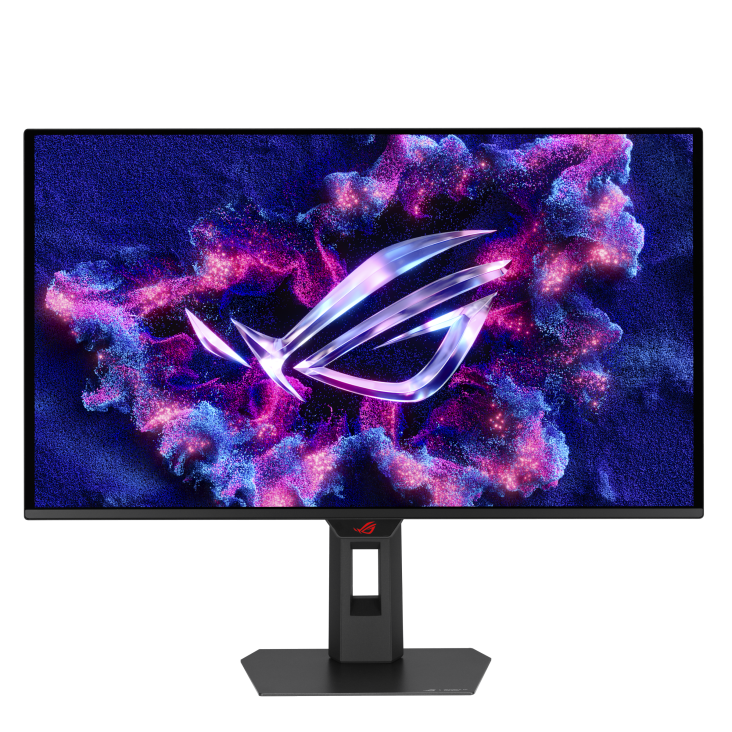
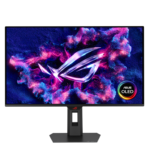
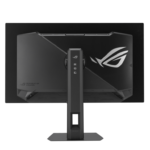
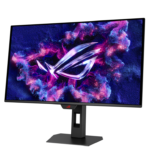
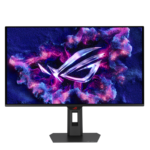


ASUS ROG XG27ACDMS QD-OLED Gaming Monitor
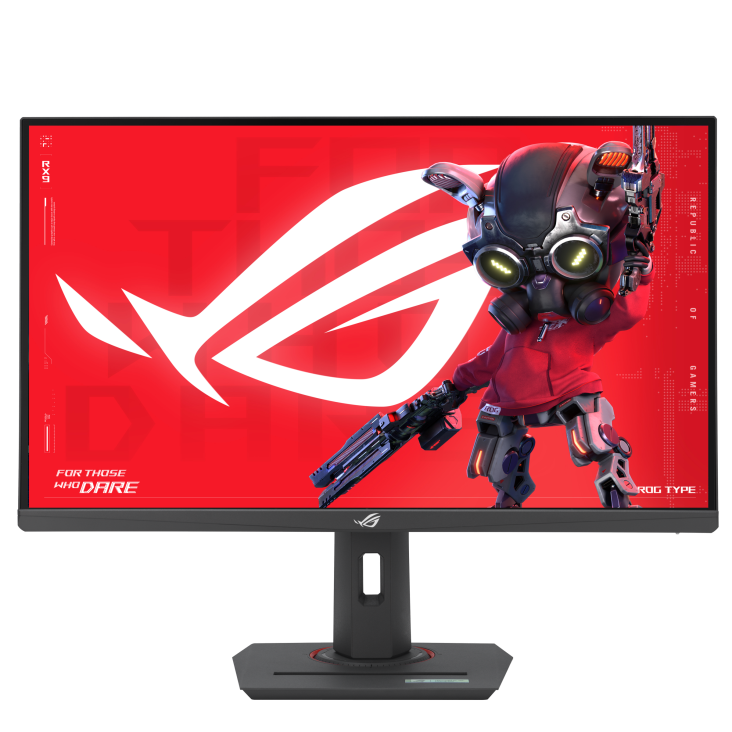
The ASUS ROG XG27ACDMS combines a QHD QD-OLED panel with a 280Hz refresh rate and 0.03ms GTG response time. Marketed as a 27-inch monitor, it has a 26.5-inch viewable display with a native resolution of 2560 × 1440. Its combination of fast response, rich colour and deep blacks suits a desk used for gaming, streaming and visual content. Flexible connections and an adjustable stand help you build a setup around your preferred activities.
XG27ACDMS with 280Hz and 0.03ms GTG
A high refresh rate helps you follow movement during competitive games, while the OLED panel’s rapid pixel response supports clear transitions. Use the XG27ACDMS for shooters, racing and other titles where moving detail matters. Select a supported resolution and refresh rate in your computer’s display settings after connecting the monitor. Your game frame rate will depend on system performance, graphics settings and the demands of each title, so balance those settings around the experience you want.
QD-OLED Colour and True Black HDR
Self-emissive OLED pixels produce deep blacks that help dark scenes retain their impact. The display combines 99% DCI-P3 coverage with true 10-bit colour and VESA DisplayHDR True Black 400 support. These features suit colourful game worlds, films and other HDR content. For creative applications, choose an appropriate colour mode and profile for the material you are working with. QHD resolution also gives you a practical desktop layout for browsing, documents and everyday applications between gaming sessions.
ASUS OLED Care Pro and Neo Proximity Sensor
ASUS OLED Care provides panel-maintenance and protection features. On this model, OLED Care Pro includes a Neo Proximity Sensor that switches the display to a black image when you step away and restores content when you return. Detection distance can be customised around your desk arrangement. Pixel cleaning, screen movement and static-element dimming provide additional panel-care options, while the custom heatsink helps manage cooling. Use the available settings and follow ASUS’s maintenance guidance as part of normal operation.
Uniform Brightness for Desktop Tasks
Uniform Brightness reduces peak brightness to keep the image more consistent as bright windows change size. This can be useful when switching between browser pages, documents and applications with different amounts of white space. ASUS identifies this setting in connection with sRGB mode. Choose the available brightness and colour settings to suit your room and the task on screen. The monitor can serve practical desktop work alongside the gaming and entertainment activities it is designed for.
Gaming AI and Adaptive Refresh
Adaptive-Sync and G-SYNC Compatible support help reduce tearing with suitable graphics hardware. ROG Gaming AI adds Dynamic Crosshair, Dynamic Shadow Boost and AI Visual for further picture customisation. Dynamic Crosshair adjusts the reticle’s colour against the scene, while Dynamic Shadow Boost helps reveal darker areas. AI Visual works through DisplayWidget Center to apply picture settings based on onscreen content. Try these controls with familiar games and retain the options that suit your preferences.
USB-C, HDMI 2.1 and DisplayPort Connectivity
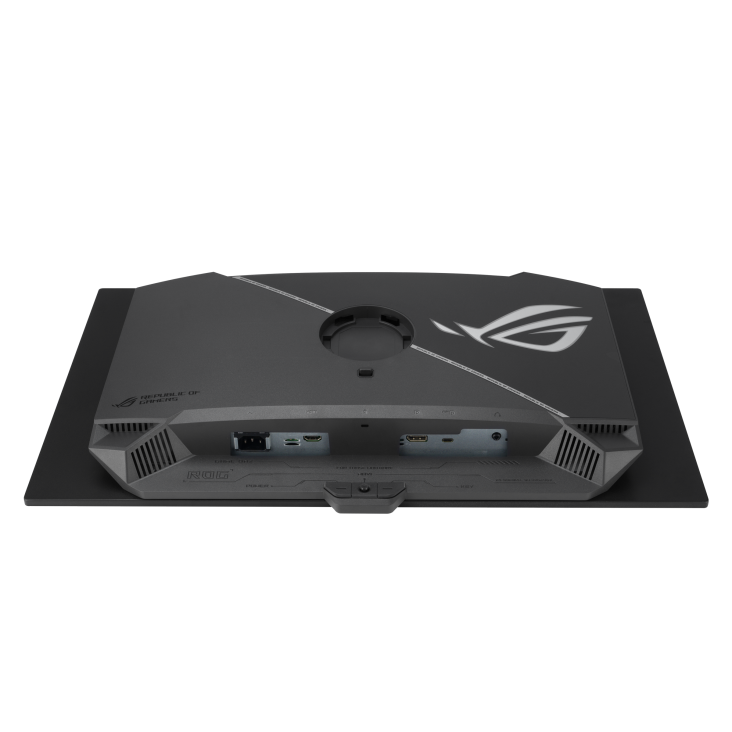
The monitor includes DisplayPort 1.4 with DSC, HDMI 2.1 and USB-C with DisplayPort Alt Mode. USB-C Power Delivery is rated at 15W. Check your source device’s video-output capabilities and charging requirements when choosing a connection. A headphone output adds an audio connection option. Plan cable routes around your desk and leave enough room for stand adjustments, particularly if you regularly change the screen’s position or connect different devices.
DisplayWidget Center and Adjustable Ergonomics
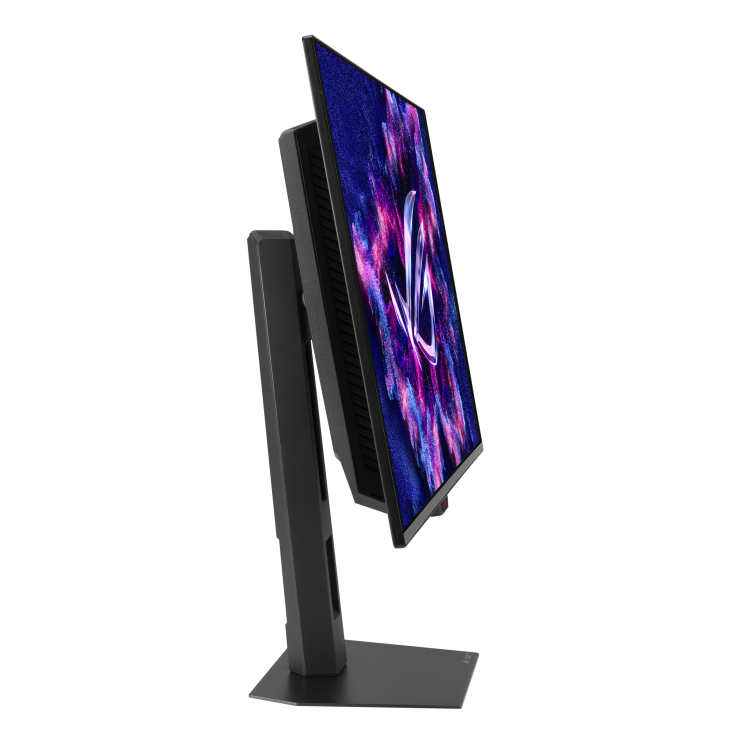
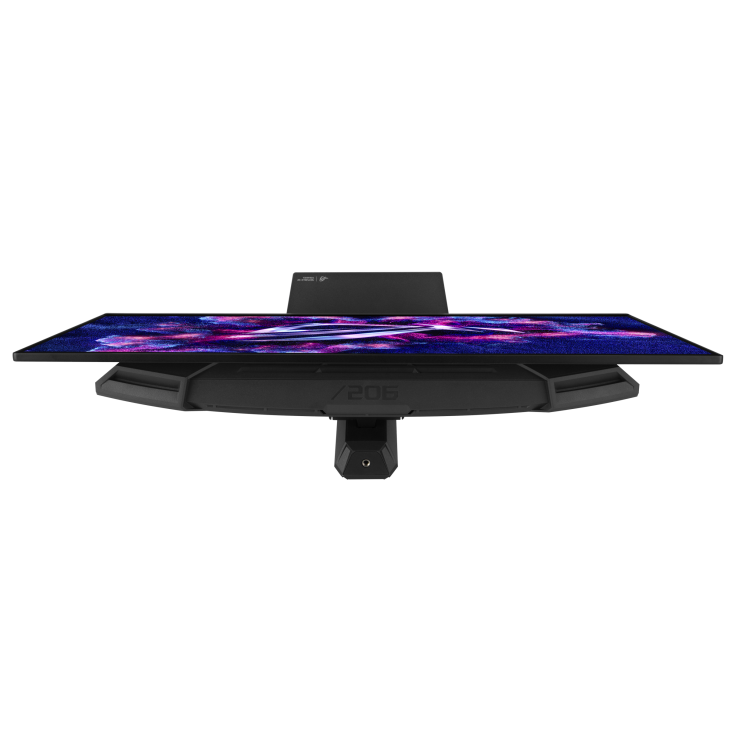
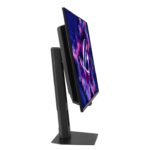
ASUS DisplayWidget Center provides mouse-based access to supported display settings and OLED Care controls. This makes routine adjustments convenient when moving between applications. Height, tilt, swivel and pivot adjustment let you position the screen around your seating arrangement, while VESA mounting supports a suitable separate arm or bracket. The built-in tripod socket offers another option for arranging a streaming setup. Set your screen position, brightness and room lighting before starting a longer session.
Complete Your XG27ACDMS Setup
Explore suitable desktop computers at Aadinath Peripherals & Consumables. Review the official XG27ACDMS specifications for detailed information, including ASUS’s listed three-year warranty covering panel burn-in. For help matching the monitor to your computer, connections and workspace, contact our team.
Technical specifications
| Specification | Details |
|---|---|
| Model | ASUS ROG Strix OLED XG27ACDMS |
| Screen size | 27-inch class; 26.5-inch viewable |
| Panel / surface | QD-OLED / Anti-reflection |
| Native resolution / aspect ratio | 2560 × 1440 QHD / 16:9 |
| Maximum refresh rate | 280Hz |
| Response time | 0.03ms GTG |
| HDR | HDR10; VESA DisplayHDR True Black 400 |
| Brightness | 250 cd/m² typical; up to 1,000 cd/m² peak HDR |
| Colour | 99% DCI-P3; true 10-bit; 1.0737 billion colours |
| Colour accuracy | Delta E ≤ 2 |
| Typical contrast ratio | 1,500,000:1 |
| Viewing angles | 178° horizontal and vertical |
| Adaptive refresh | Adaptive-Sync; G-SYNC Compatible |
| Motion-blur reduction | ASUS Extreme Low Motion Blur (ELMB) |
| OLED protection | ASUS OLED Care Pro; Neo Proximity Sensor; panel-maintenance features |
| Cooling | Custom heatsink |
| Uniform Brightness | Supported; ASUS specifies sRGB mode |
| Video inputs | 1 × DisplayPort 1.4 DSC; 1 × HDMI 2.1 FRL; 1 × USB-C DP Alt Mode |
| USB-C Power Delivery | 15W |
| Audio connection | Headphone output |
| Stand adjustment | Height: 0–110mm; tilt: -5° to +20°; swivel: ±45°; pivot: ±90° |
| VESA / tripod socket | 100 × 100mm / ¼-inch |
| Gaming tools | GamePlus; GameVisual; AI Visual; Dynamic Crosshair; Dynamic Shadow Boost |
| Software | ASUS DisplayWidget Center |
| Viewing-comfort features | Hardware Low Blue Light; Flicker-free |
| Typical power consumption | Less than 28W |
| Dimensions with stand, W × H × D | Approx. 60.9 × 44.9 × 18.8 cm |
| Net weight with / without stand | Approx. 6.1kg / 3.8kg |
| Gross weight with box | Approx. 8.5kg |
| Box dimensions, W × H × D | Approx. 86 × 16.2 × 50 cm |
| ASUS-listed warranty | 3 years, including panel burn-in; subject to ASUS warranty terms |
Reviews
Clear filtersThere are no reviews yet.