



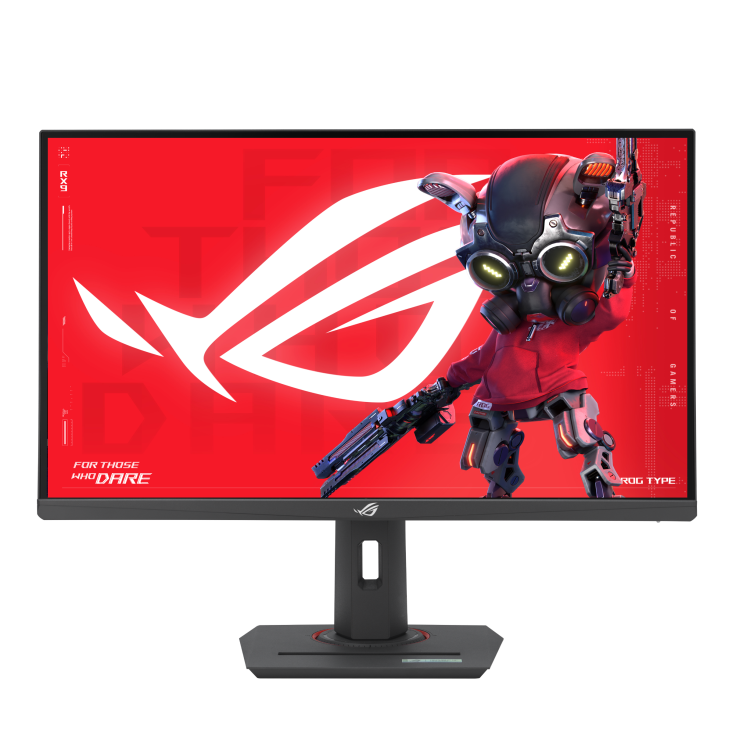
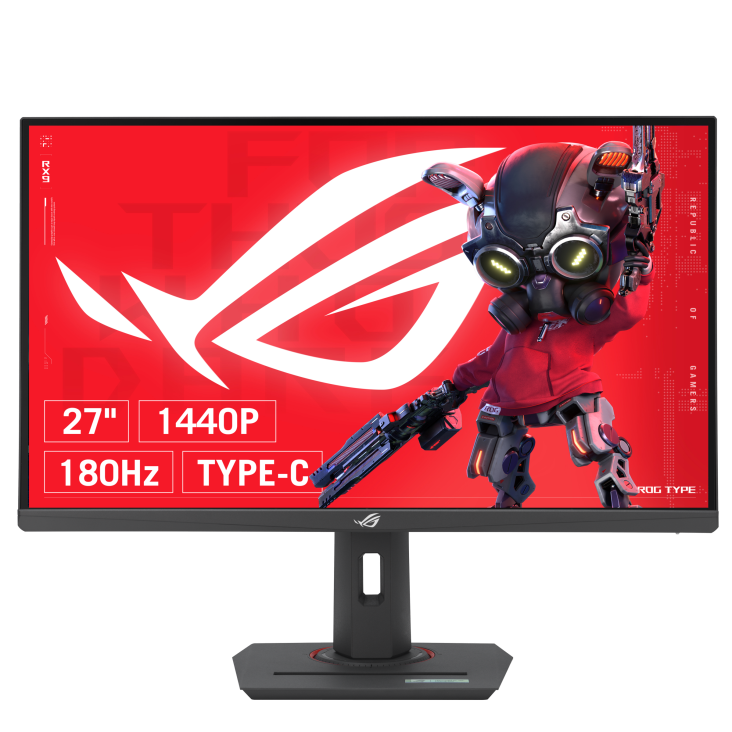
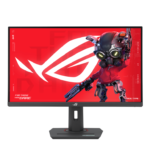
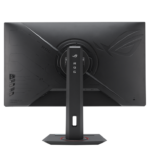
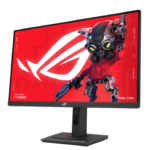
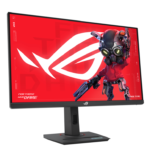
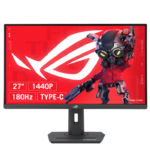
ASUS ROG XG27ACSR 27 Inch QHD Gaming Monitor
The ASUS ROG XG27ACSR, also named ROG Strix XG27ACS Gen2, combines a 27-inch QHD screen with Fast IPS technology for gaming and everyday desktop use. Its 2560 × 1440 resolution provides space for game interfaces, documents and browser windows, while the adjustable stand helps you arrange a comfortable desk. Build your setup around one display that can move between competitive matches, entertainment and routine work throughout the day.
XG27ACSR with 220Hz OC and Fast IPS
A refresh rate of up to 220Hz through overclocking supports fluid movement in fast-paced games. ASUS specifies a 1ms grey-to-grey response time and a separate 0.3ms minimum rating. These features help the XG27ACSR display rapid changes during racing, shooters and other action games. Select the intended refresh rate in your computer’s display settings and use a suitable connection. The frame rate you achieve will also depend on your graphics hardware, game settings and the demands of each title.
QHD Detail and DisplayHDR 400
The screen supports HDR10 and carries VESA DisplayHDR 400 certification for compatible content. Its wide colour gamut includes 97% DCI-P3 coverage, giving games and video a broad colour range. QHD resolution also makes this display useful when moving between entertainment and practical tasks. Keep reference material beside a document, organise several application windows or use the full screen for a film. Choose picture settings appropriate to the content and your room lighting.
ELMB Sync and Adaptive Refresh
ASUS ELMB Sync technology allows motion-blur reduction to operate alongside variable refresh rate. This combines backlight strobing with screen synchronisation to help improve clarity during movement. The monitor supports Adaptive-Sync, NVIDIA G-SYNC Compatible operation and AMD FreeSync Premium. With compatible hardware, these options help reduce visible tearing when game frame rates change. ASUS notes that ELMB Sync reduces screen brightness and cannot operate simultaneously with HDR. Choose the picture and motion settings that best suit your game.
USB-C, HDMI and DisplayPort Connections
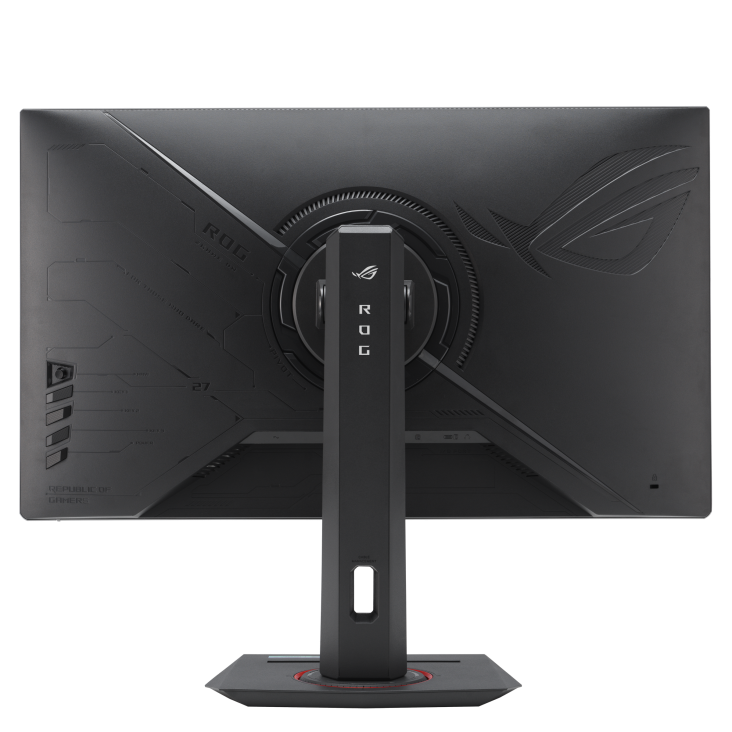
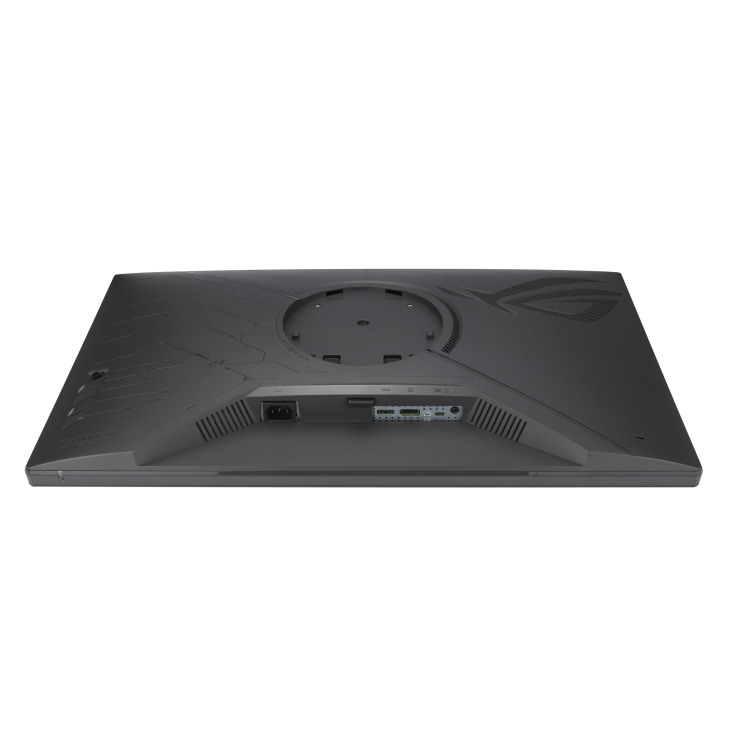
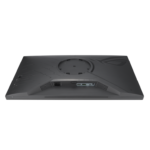
USB-C with DisplayPort Alt Mode, DisplayPort and HDMI provide options for connecting compatible computers and video sources. USB-C Power Delivery is rated at 15W. Before choosing a USB-C cable, check that the source device supports video through its USB-C port and that the cable supports the required signal. Plan your audio connection as part of the setup, too. A headphone output is available, while sound can also be handled through your computer or a separate audio system.
Gaming AI and Picture Controls
ROG Gaming AI includes Dynamic Crosshair, Dynamic Shadow Boost and AI Visual. Dynamic Crosshair changes the aiming reticle’s colour to help it remain visible against the background. Dynamic Shadow Boost adjusts darker scene areas, while AI Visual works with DisplayWidget Center to apply picture settings according to onscreen content. Try these controls with your favourite games and keep the settings that suit your preferences. GamePlus and GameVisual provide additional tools for tailoring the gaming experience.
DisplayWidget Center for Convenient Adjustments
ASUS DisplayWidget Center offers software controls for supported monitor settings. You can adjust brightness, contrast and colour temperature with a mouse, making routine changes convenient when the monitor serves several purposes. Establish a preferred picture for reading and office tasks, then adjust it for a gaming session or video. Available modes and controls depend on the monitor and software version. Review the supported options when installing the application and personalise the settings around your normal activities.
Adjustable Stand for Your Workspace
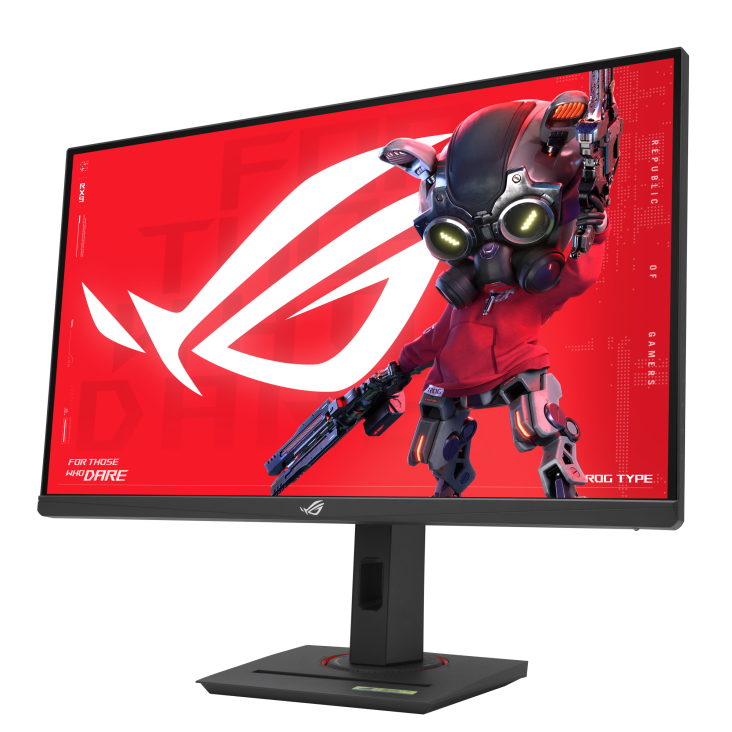
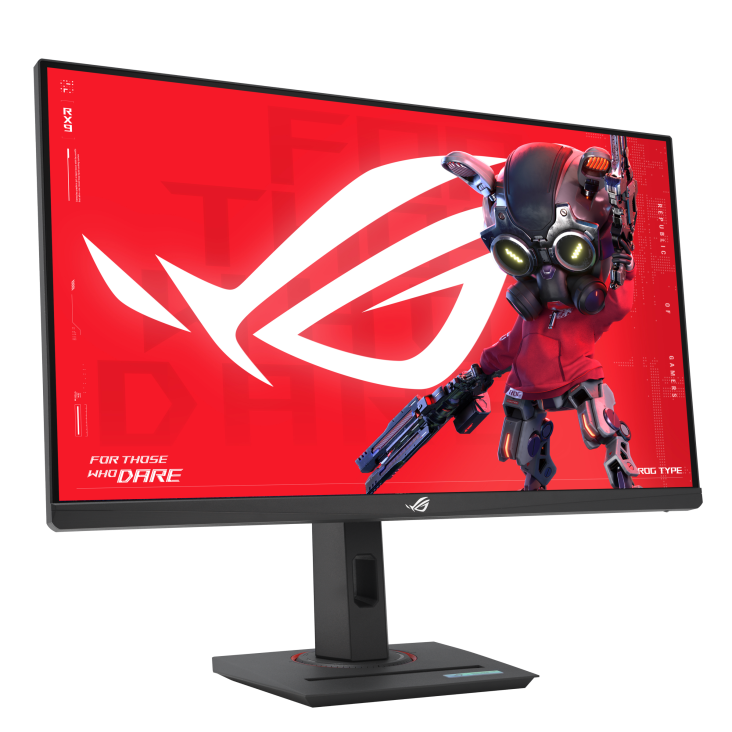
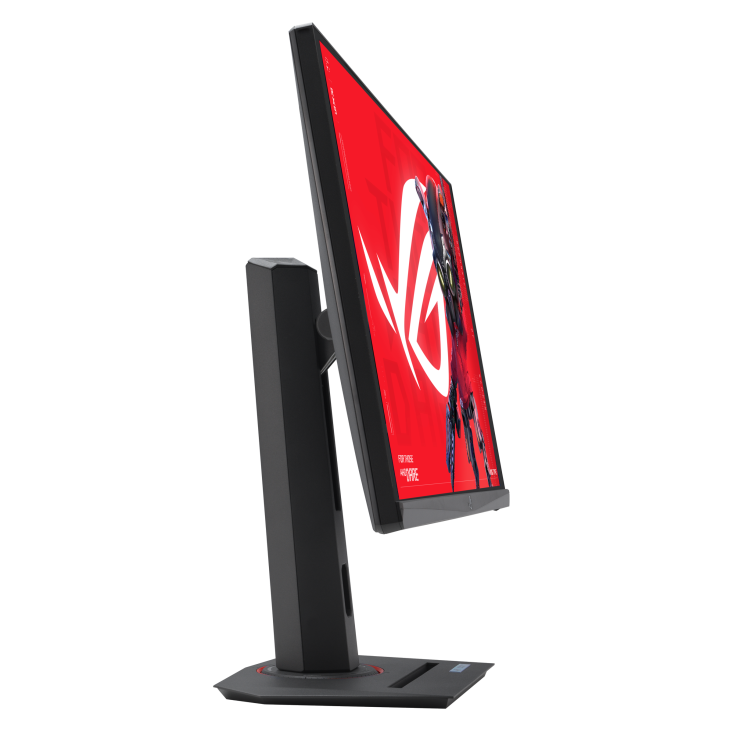
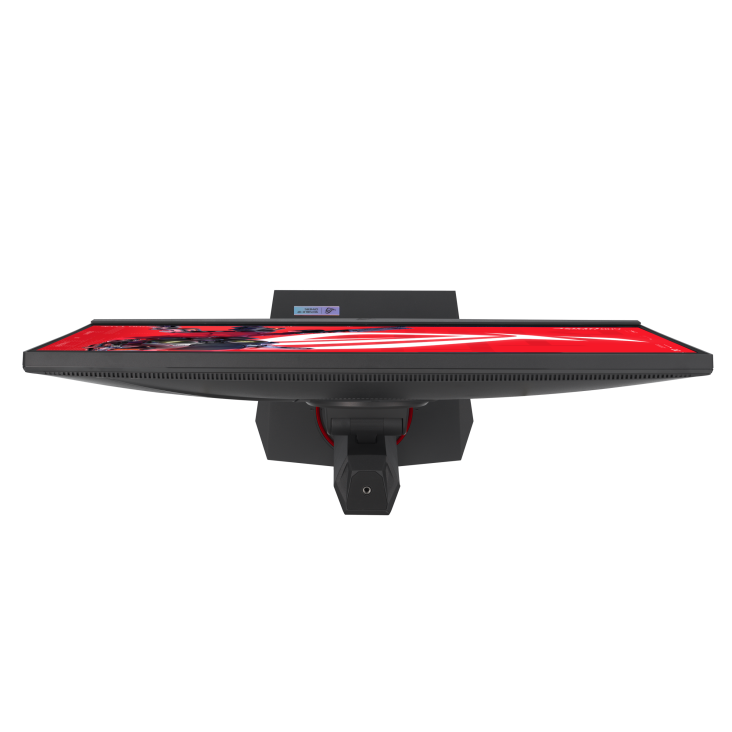
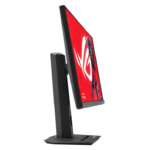
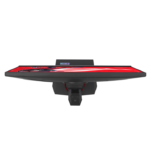
Height, tilt, swivel and pivot adjustments help position the XG27ACSR around your seating arrangement and available desk space. A compatible VESA mount offers another way to organise the screen, keyboard and accessories. Consider your viewing distance, room reflections and preferred screen height when planning the layout. Low Blue Light and Flicker-free features provide additional viewing options. Set the screen brightness to suit your surroundings and make practical adjustments as your lighting changes.
Complete Your XG27ACSR Setup
Explore suitable desktop computers at Aadinath Peripherals & Consumables. Review the official XG27ACSR specifications for detailed product information, or contact our team for help matching the monitor to your computer, available connections and workspace.
Technical specifications
| Specification | Details |
|---|---|
| Model | ASUS ROG Strix XG27ACS Gen2 (XG27ACSR) |
| Screen / panel / surface | 27 inches / Fast IPS / Anti-glare |
| Resolution / aspect ratio | 2560 × 1440 QHD / 16:9 |
| Maximum refresh rate | 220Hz (OC) |
| Response time | 1ms GTG; 0.3ms minimum |
| HDR | HDR10; VESA DisplayHDR 400 |
| Brightness | 350 cd/m² typical; 500 cd/m² peak HDR |
| Colour | 97% DCI-P3; 133% sRGB; 10-bit |
| Contrast ratio / viewing angles | 1300:1 typical / 178° horizontal and vertical |
| Adaptive refresh | Adaptive-Sync; G-SYNC Compatible; FreeSync Premium |
| Motion features | ELMB; ELMB Sync; Variable Overdrive 2.0 |
| Video inputs | 1 × DisplayPort 1.4 DSC; 1 × HDMI 2.1 FRL; 1 × USB-C DP Alt Mode |
| USB-C Power Delivery | 15W |
| Audio | Headphone output; no built-in speakers |
| Stand adjustment | Height: 0–110mm; tilt: -5° to +20°; swivel: ±45°; pivot: ±90° |
| VESA / tripod socket | 100 × 100mm / ¼-inch |
| Gaming / software | GamePlus; GameVisual; Gaming AI; DisplayWidget Center |
| Viewing-comfort features | Low Blue Light; Flicker-free |
| Listed power consumption | Less than 19W |
| Dimensions with stand, W × H × D | Approx. 61.48 × 50.34 × 18.87 cm |
| Net weight with / without stand | Approx. 5.94kg / 3.83kg |
| Gross weight with box | Approx. 8.25kg |
| Box dimensions, W × H × D | Approx. 84 × 18.6 × 51.5 cm |


Reviews
Clear filtersThere are no reviews yet.