



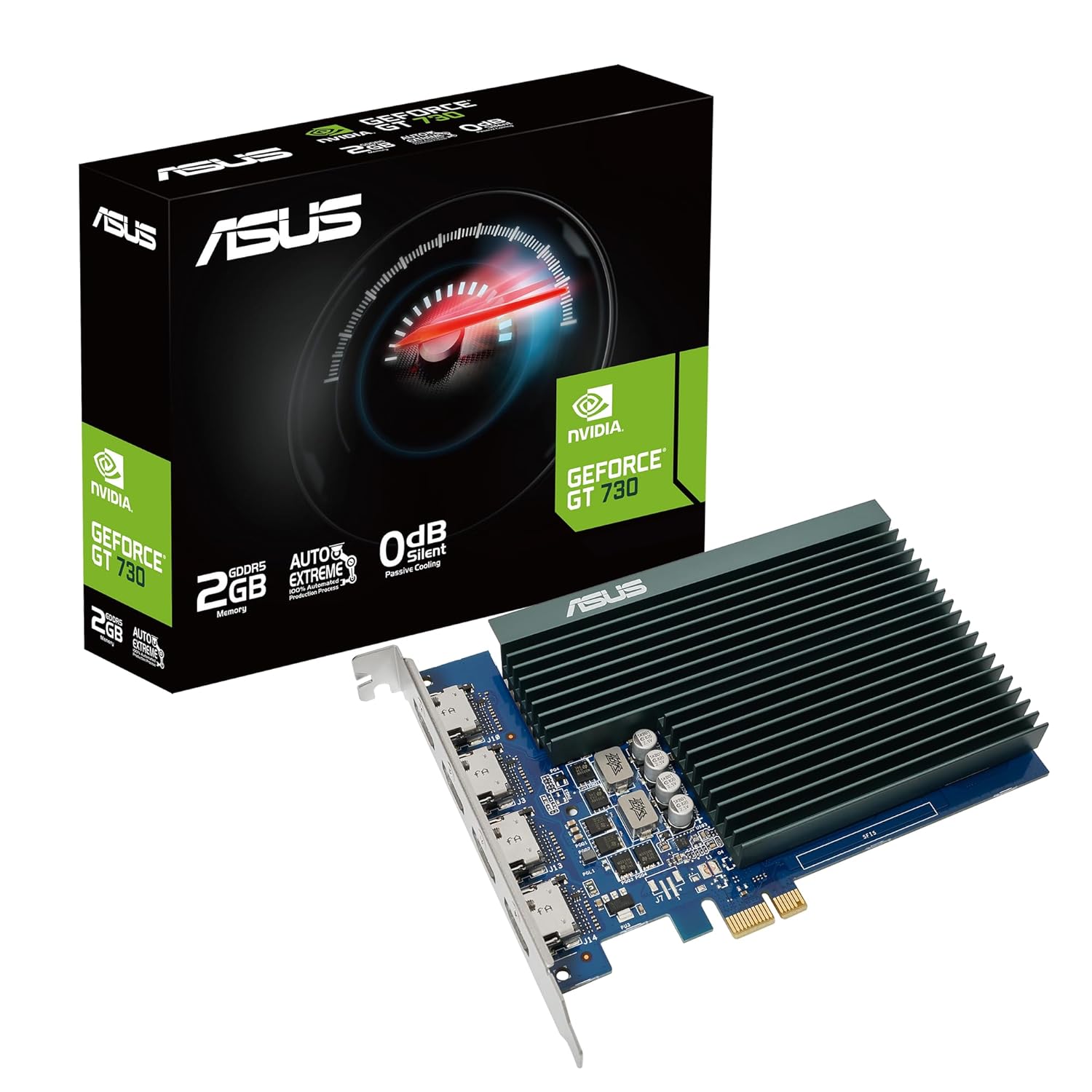
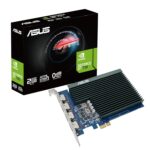

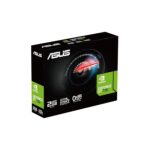

ASUS GeForce GT 730 2GB GDDR5 Graphics Card
The ASUS GeForce GT 730 2GB GDDR5 Graphics Card combines NVIDIA graphics, dedicated video memory and passive cooling for compatible desktop computers. It is relevant to office display setups, home PCs and multimedia systems where monitor connectivity and quiet operation are practical priorities. ASUS offers different GT 730 2GB GDDR5 versions, so the complete manufacturer model code identifies the available display connections, physical dimensions and supported screen arrangement.
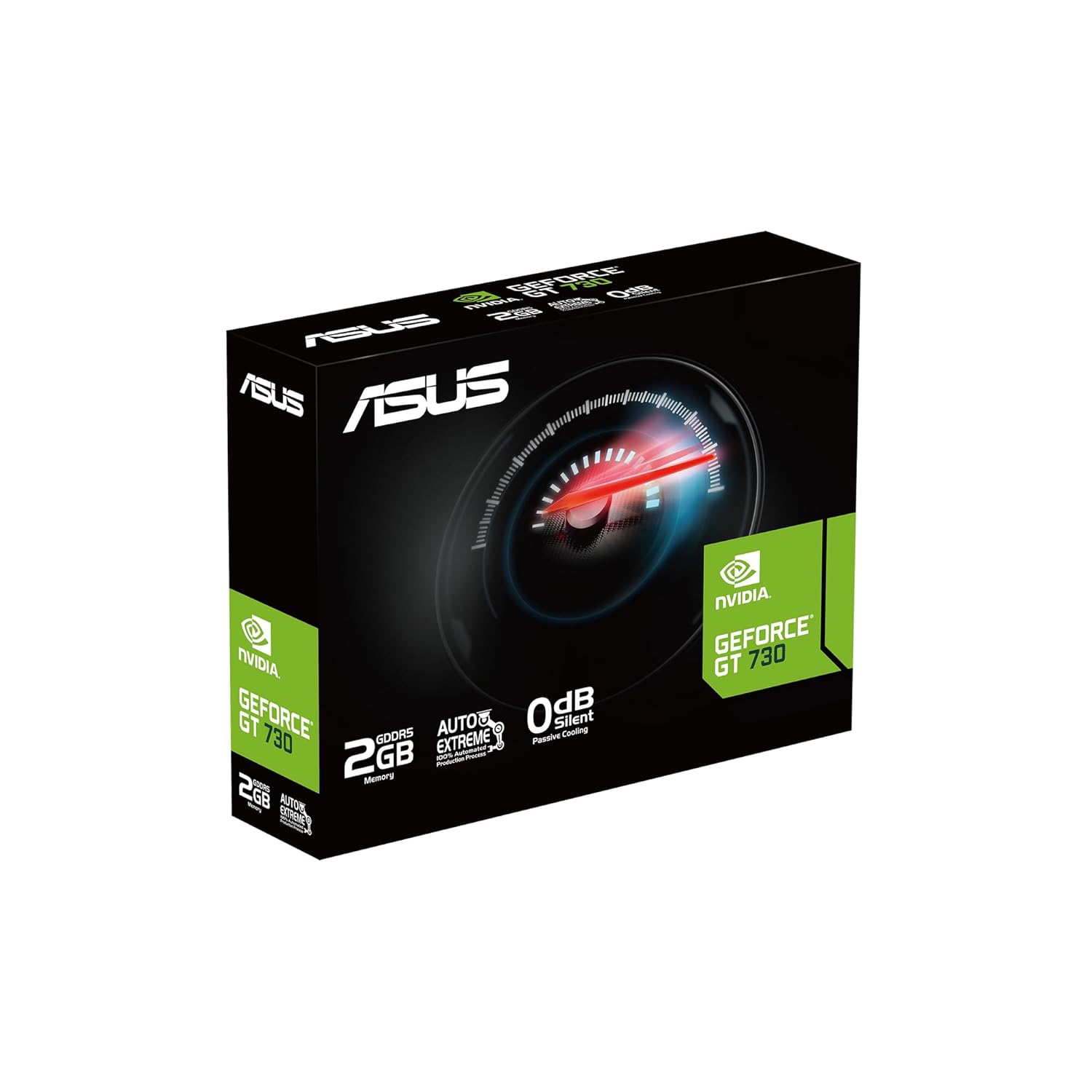
NVIDIA GeForce GT 730 with 2GB GDDR5 Memory
The listed ASUS models use the NVIDIA GeForce GT 730 graphics processor with 384 CUDA cores, 2GB of GDDR5 video memory and a 64-bit memory interface. ASUS specifies a memory speed of 5010MHz for both versions covered here.
These details help identify the required memory configuration when comparing products or preparing a quotation. Dedicated graphics memory provides local storage for graphics data, while the computer’s processor, system memory and software also influence application responsiveness. Choose the card around the desktop’s actual display and application requirements, and retain the exact model code with your purchase records.
Passive Cooling for a Quieter Workspace
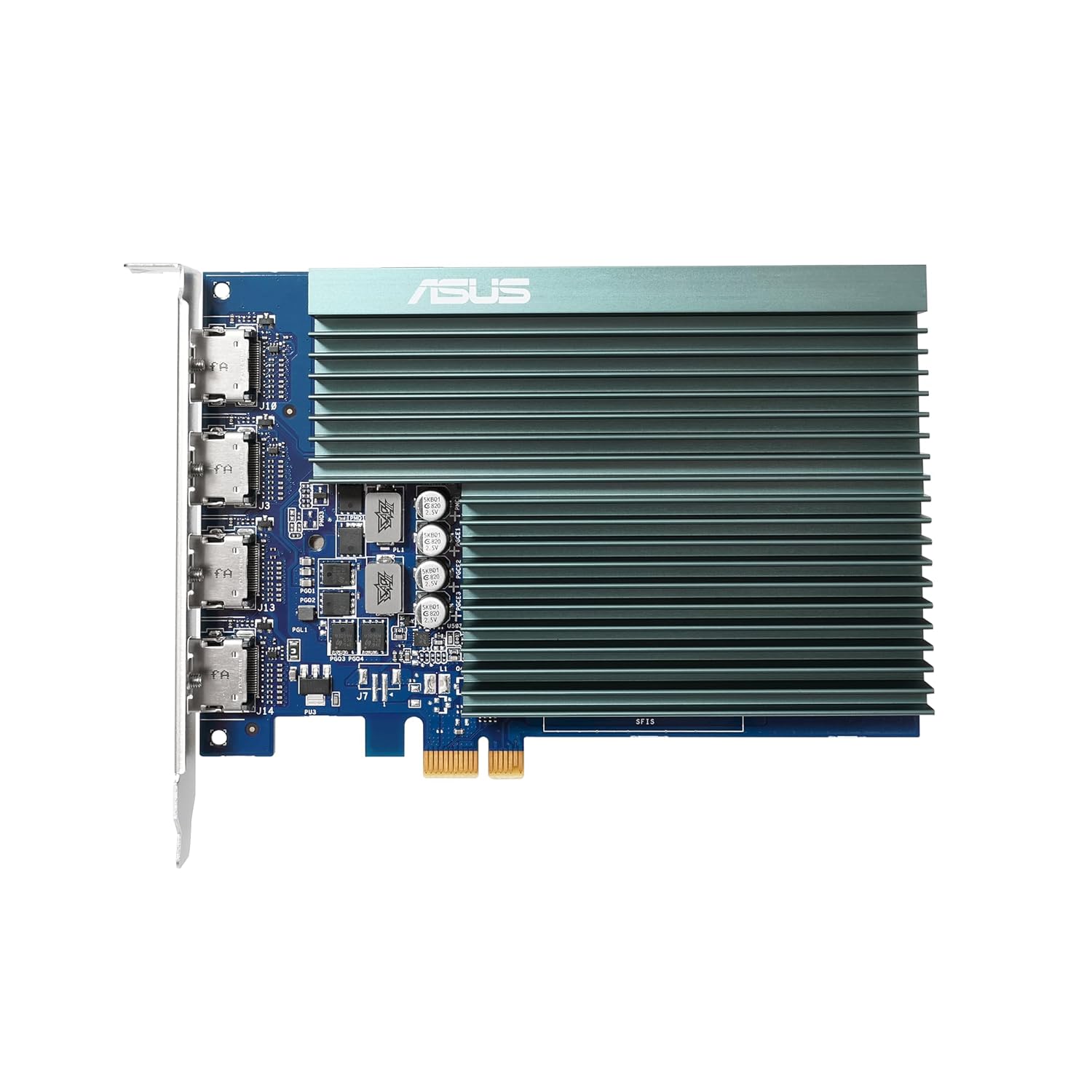
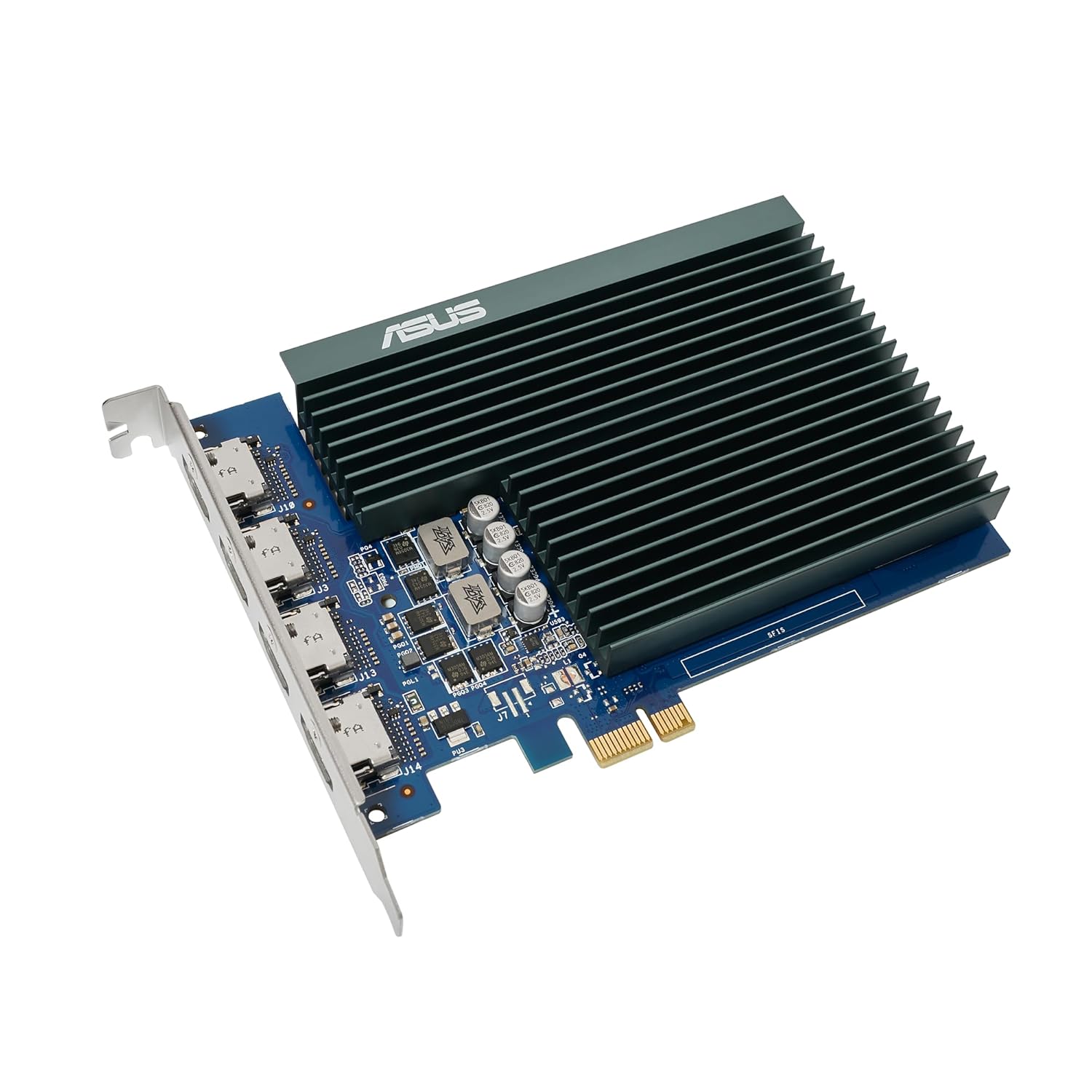
Both versions use passive heatsink cooling, allowing the graphics card to operate without a cooling fan. This design is useful for home theatre PCs, study spaces and offices where reducing component noise matters.
The graphics card’s fanless operation is one part of the overall computer’s acoustic behaviour. Processor coolers, power supplies, storage and case fans also contribute to system noise. Provide suitable airflow around the installed card and follow the chassis manufacturer’s cooling guidance when arranging a compact desktop setup.
Choose the Required Display Connection Layout
The ASUS GT730-SL-2GD5-BRK provides one HDMI output, one DVI-D output and one VGA connection. ASUS lists support for up to three displays, making this version relevant to setups using a mixture of compatible monitor inputs.
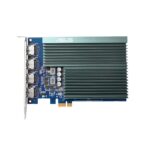
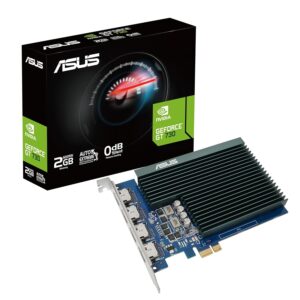
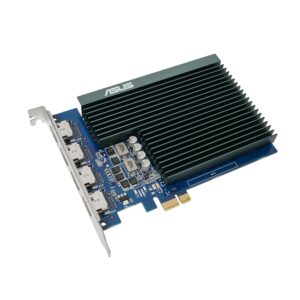
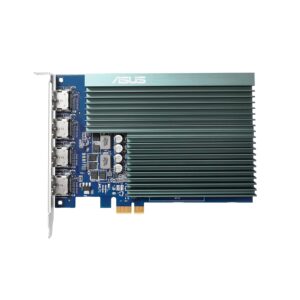
The ASUS GT730-4H-SL-2GD5 provides four HDMI outputs and supports up to four displays. This version can suit workspaces that need several HDMI-connected screens for documents, reference material and other everyday applications.
Match the selected version to the monitor inputs, cables and intended screen arrangement. Recording the required connector layout on the quotation helps ensure that the supplied card meets the display requirement.
Card Dimensions and System Power Planning
Physical dimensions and slot requirements vary between the two versions. The BRK model uses a two-slot design, while the four-HDMI model uses a single-slot layout. Compare the listed measurements with the available case space and neighbouring expansion devices before ordering.
ASUS recommends a 300W system power supply for both models and lists no external graphics-card power connectors. The final power-supply choice should account for the complete computer configuration. Check motherboard expansion support, bracket requirements and cable clearance alongside the card’s electrical requirements.
ASUS Auto-Extreme Manufacturing
ASUS identifies Auto-Extreme Technology as part of both models’ construction. The automated manufacturing process is designed to improve production consistency and reliability.
For buyers maintaining several office computers, using the complete ASUS model reference also makes future purchasing and support records easier to manage. Keep the hardware specification with the desktop’s maintenance information so that later replacements can be checked against the original display layout and installation requirements.
Everyday Desktop and Multimedia Applications
The ASUS GeForce GT 730 2GB GDDR5 is an option to consider for basic desktop display duties, document work, email, web browsing and compatible multimedia applications. Multiple displays can provide room to keep a spreadsheet, communication window and reference document visible together.
Actual application performance depends on the complete system and software. Video playback also depends on the media format, player and driver support. Assess the requirements of demanding graphics applications individually when choosing the hardware for a particular workload.
Driver Resources and Installation
Use the support resources for the selected ASUS model to check driver compatibility with the installed operating system. Follow the computer and graphics-card documentation when installing the hardware, connecting displays and configuring the appropriate driver.
After installation, check that the intended monitors are detected and select the required desktop arrangement. Retain the model number and purchase documentation for future technical support.
Buy ASUS GeForce GT 730 2GB GDDR5 Graphics Card
Explore ASUS graphics options at Aadinath Peripherals and Consumables and browse the graphics card range. Contact the team for current pricing, availability and help selecting the required GT 730 version. Include the desktop model, monitor connections and preferred ASUS part number when requesting a quotation.
Specifications — Shared Features
| Specification | Details |
|---|---|
| Brand | ASUS |
| Graphics Engine | NVIDIA GeForce GT 730 |
| Video Memory | 2GB GDDR5 |
| Memory Interface | 64-bit |
| CUDA Cores | 384 |
| Memory Speed | 5010MHz, as listed by ASUS |
| Bus Standard | PCI Express 2.0 |
| Cooling | Passive heatsink; fanless design |
| Manufacturing Technology | ASUS Auto-Extreme |
| Recommended System PSU | 300W, subject to the complete system configuration |
| External GPU Power Connectors | None on the listed models |
| Display Connections | Depend on the selected manufacturer model |
| Typical Applications | Office displays, everyday desktop work and compatible multimedia systems |


Reviews
Clear filtersThere are no reviews yet.