





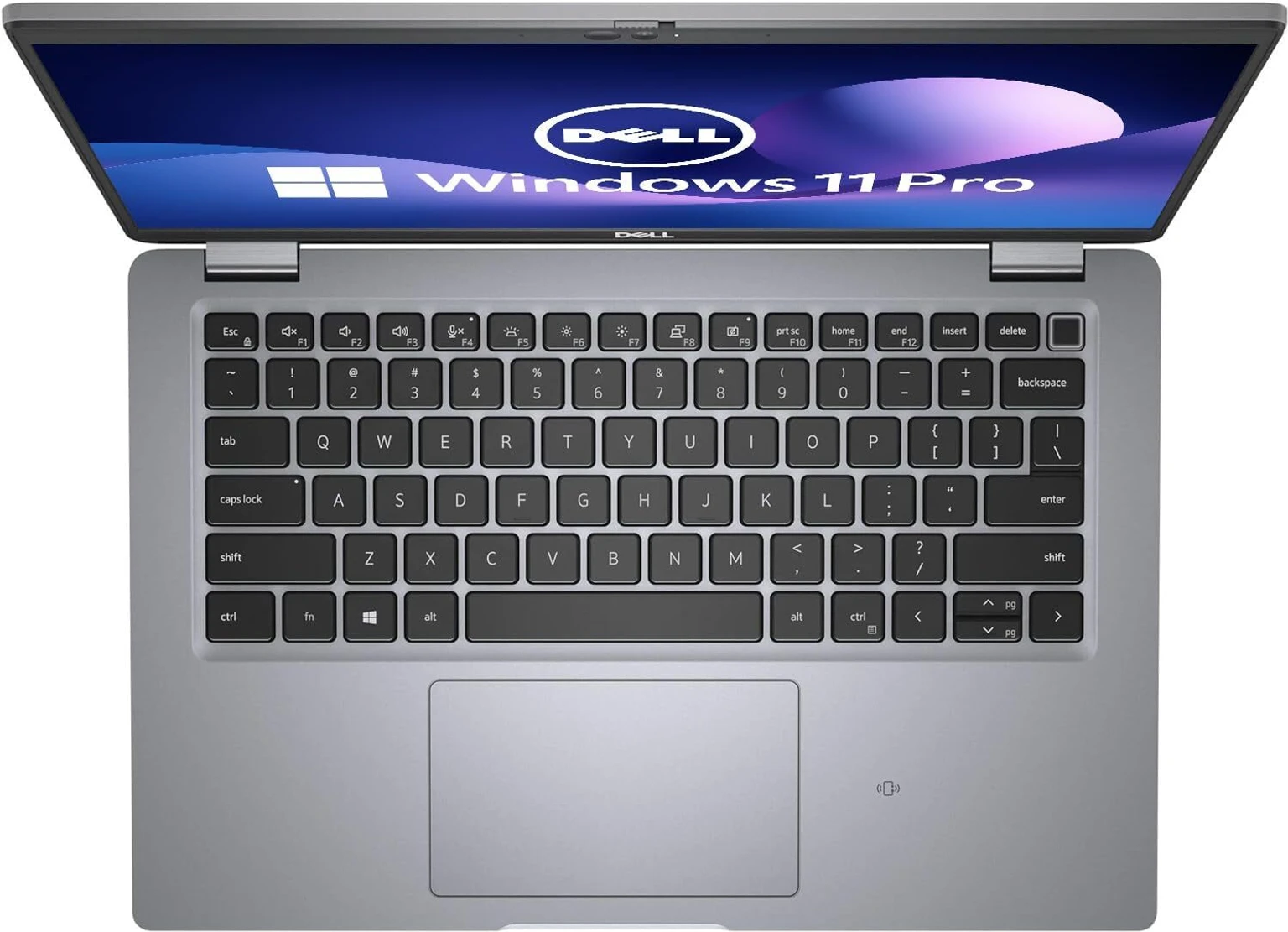



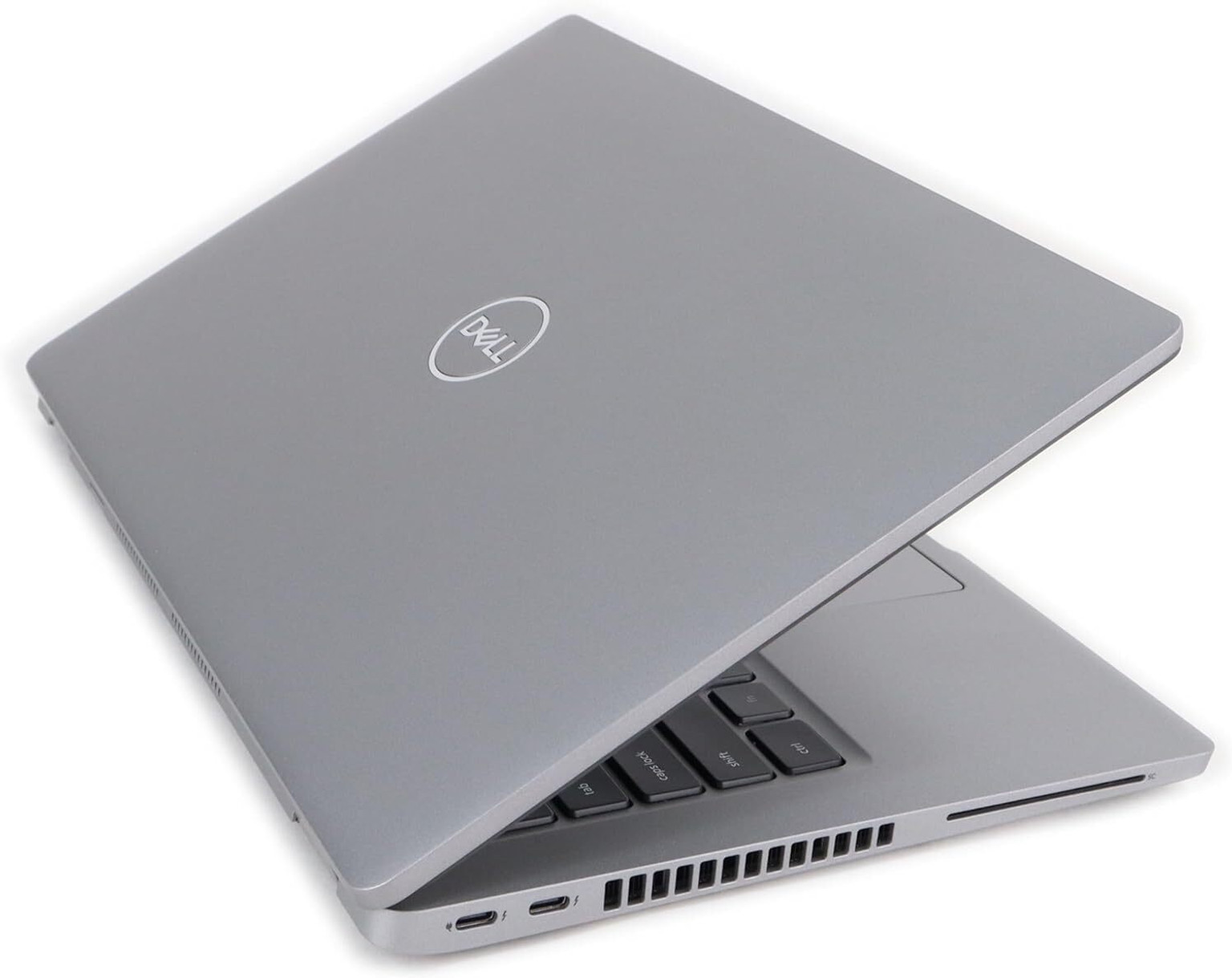
Dell Latitude 5420 8GB Touch Laptop Overview
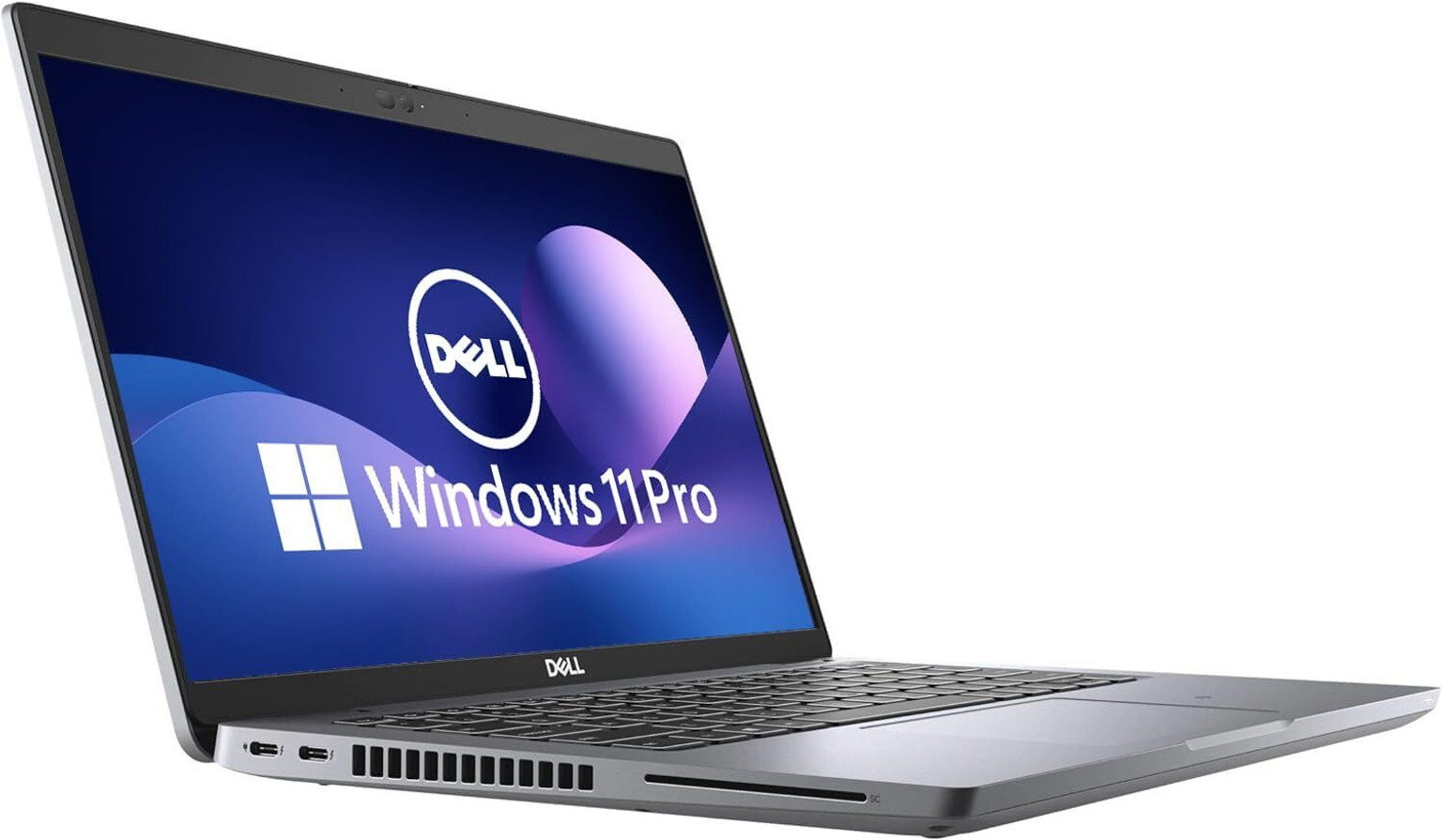
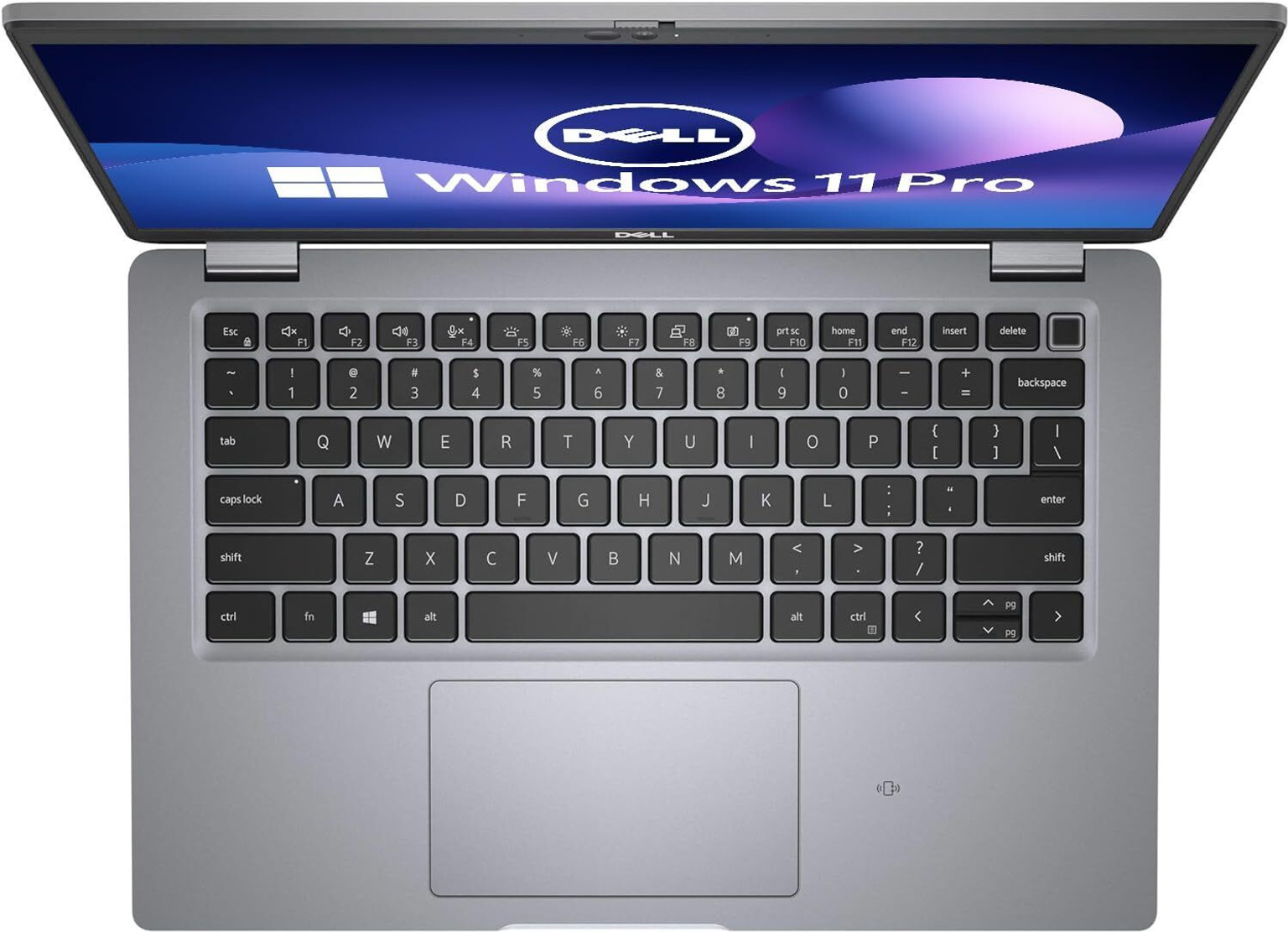
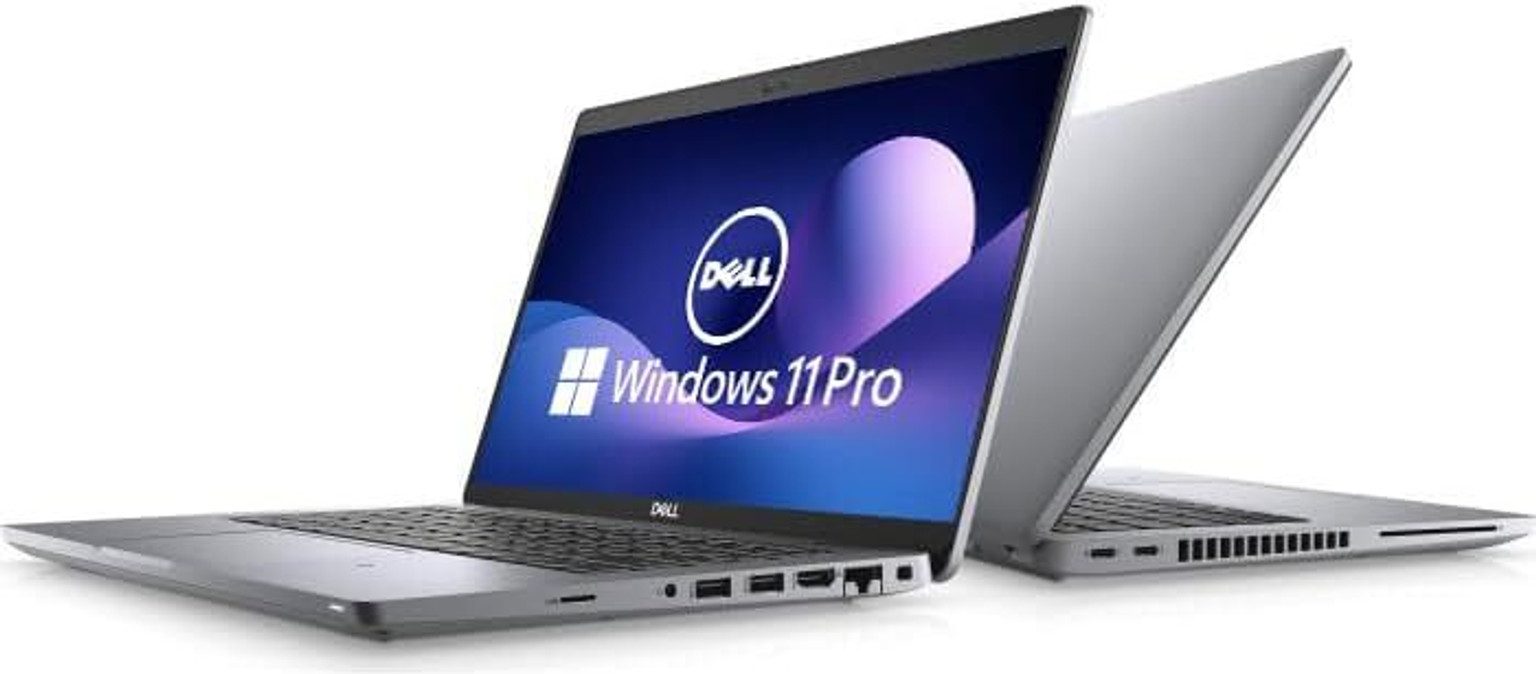
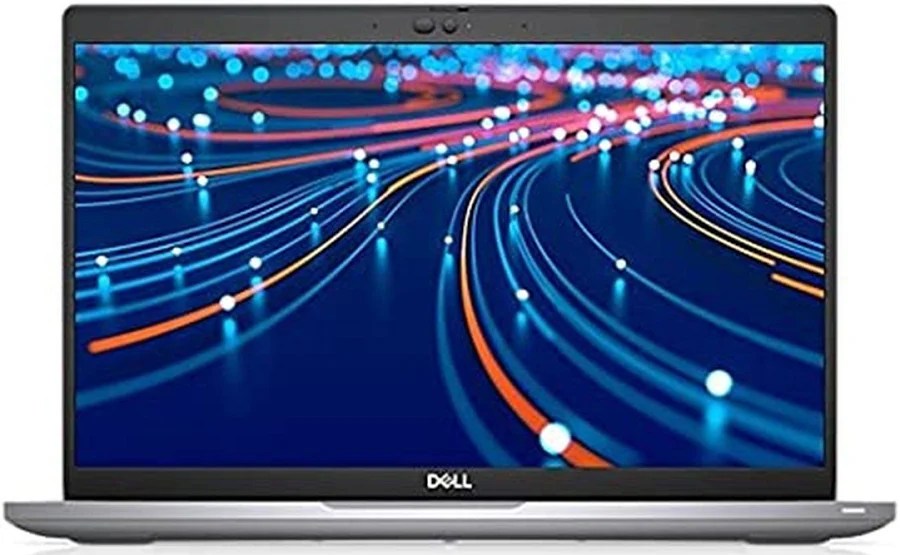
The Dell Latitude 5420 8GB Touch configuration pairs everyday office specifications with a 14-inch touchscreen. It is listed with an Intel Core i5-1145G7 processor, 8GB RAM, a 512GB SSD and Windows 10 Pro. This makes the touchscreen the main point of difference from the non-touch Latitude 5420 in the same stock range. It gives buyers an additional way to interact with supported applications while retaining normal laptop controls.
Intel Core i5-1145G7 for everyday productivity
An 11th Generation Intel Core i5-1145G7 sits at the centre of this configuration. Its four cores and eight threads provide the processing foundation for common business applications, with the overall experience also depending on the installed memory and application workload. This specification is worth considering for document handling, browser-based systems and routine reporting. Buyers with demanding specialist applications should compare those applications’ requirements with the complete configuration.
Dell Latitude 5420 8GB Touch with 8GB RAM
The installed 8GB RAM provides the application memory specified for this version. It is useful to compare that capacity with the recommended requirements of your regular programs, particularly when several applications or browser tabs will stay open together. Memory and storage serve different purposes: RAM supports active application work, while the SSD stores files and software. Buyers planning a heavier application mix can discuss their memory requirements before selecting a final configuration.
512GB SSD for files and applications
A 512GB SSD provides local storage for the operating system, installed applications and working files. Solid-state storage can help with responsive file access and application loading, although results depend on the full system and workload. Documents, spreadsheets, presentations and reference material can be organised in one place, with a separate backup plan for important information. Usable capacity will be lower than the advertised drive size after formatting, system files and installed software are taken into account.
14-inch touchscreen
The 14-inch touchscreen gives this version a direct screen-input option alongside the keyboard and touchpad. In supported applications, touch can be useful for selecting controls, moving through forms and navigating content. It is a convenient feature for users who prefer more than one way to interact with their laptop. Touch capability describes the screen input; it does not by itself establish a convertible hinge, active-pen support or a particular display resolution.
Windows 10 Pro configuration
Windows 10 Pro is the operating-system edition specified for this configuration. Buyers should match the final software setup to their application requirements and their organisation’s current operating-system policy. If a different Windows edition or installation is needed, discuss that requirement before ordering. Microsoft Office is not specified as an included application bundle. Any required software licences, application subscriptions and installation arrangements should be confirmed separately as part of the final supply details.
Choosing a configuration for your working day
This version can be considered for reception, administration, customer service and general office tasks where screen interaction is useful. Selecting a visible form field or moving through a supported interface can be convenient with touch, while longer reports still benefit from the keyboard. It is important to choose this 8GB touchscreen specification deliberately, because other Latitude 5420 configurations differ in both their installed memory and their screen type.
Explore Dell Latitude 5420 at Aadinath Peripherals
Explore this configuration with Aadinath Peripherals’ laptop collection and compare it with other business laptops that match your requirements. For model-level guidance, refer to the Dell Latitude 5420 documentation from Dell. When requesting a quotation, mention the processor, installed RAM, SSD capacity, screen type and operating-system edition shown here. Those details help the sales team identify the intended configuration and discuss unit condition, included accessories and applicable warranty before an order is finalised.
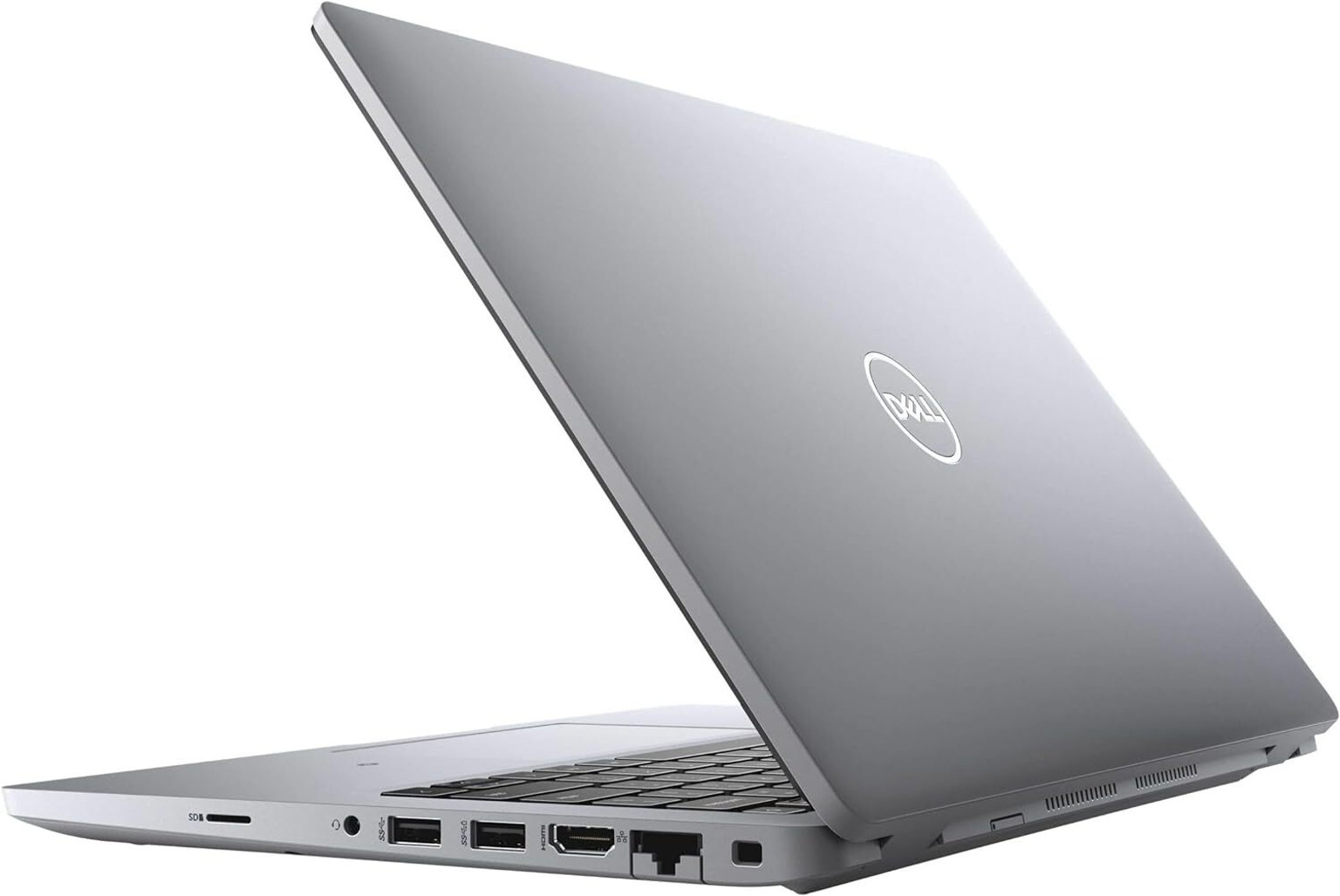
Specifications
| Brand | Dell |
|---|---|
| Model | Dell Latitude 5420 |
| Product type | Laptop |
| Processor | Intel Core i5-1145G7 |
| Processor generation | 11th Generation |
| Installed RAM | 8GB |
| Storage | 512GB SSD |
| Screen size | 14 inch |
| Screen input | Touchscreen |
| Operating system | Windows 10 Pro |
| Warranty | Confirm coverage for the allocated unit before purchase |
Reviews
Clear filtersThere are no reviews yet.