



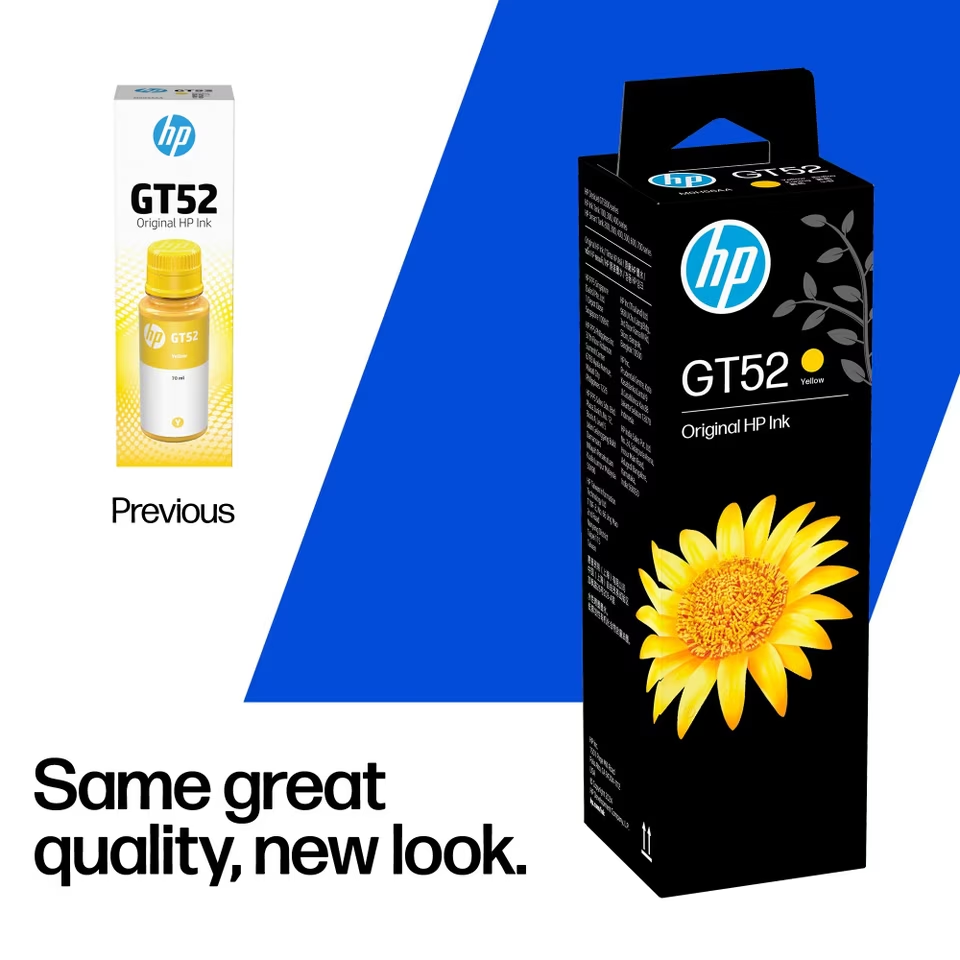
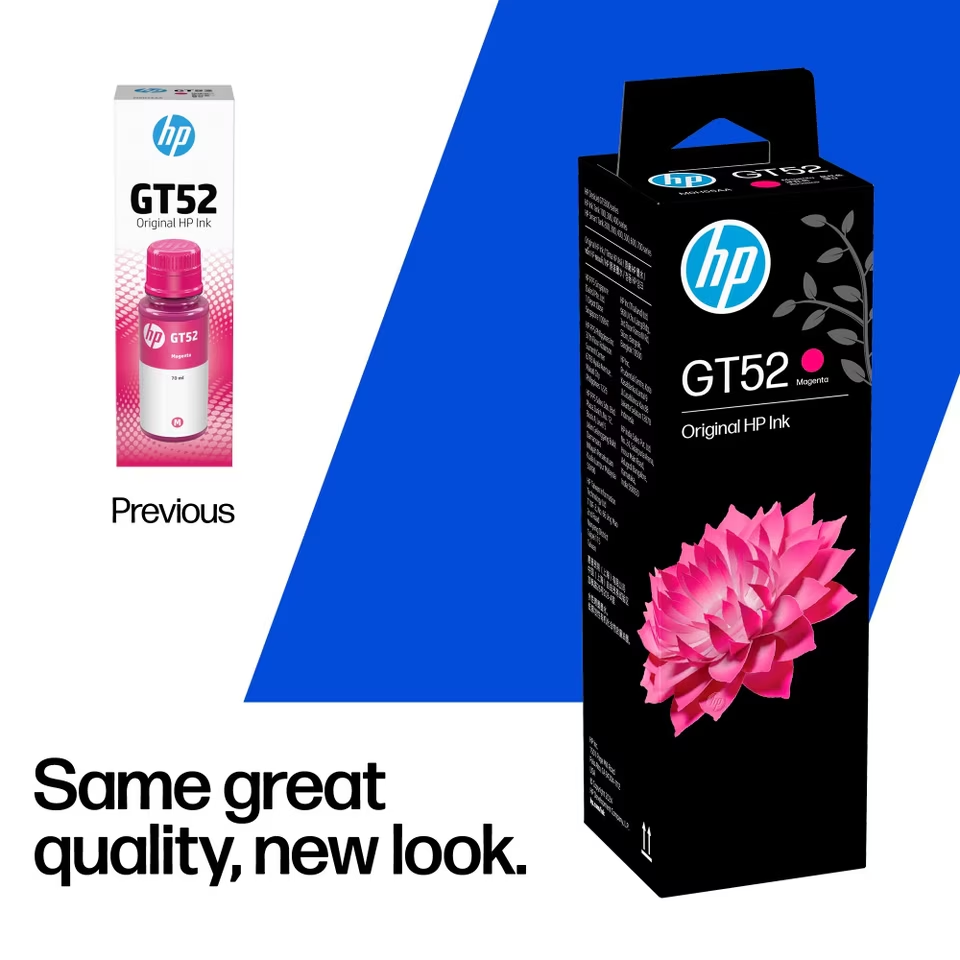
HP GT52 Yellow Ink Bottle 70ml – Original HP Ink, M0H56AA
The HP GT52 Yellow Ink Bottle supplies 70ml of Original HP dye-based yellow ink for selected refillable HP printers. Its manufacturer part number is M0H56AA, making it straightforward to identify when ordering replacement supplies. Choose this bottle when your printer specifies GT52 yellow ink and the yellow tank needs replenishing.
Colour Printing for Home, Study and Office
Colour adds useful detail to printed documents, from graphs and illustrations to presentation notes and school projects. Yellow works alongside the printer’s other inks to create colour output. Having the correct replacement available helps you prepare for tasks that require more than a black text document.
For office use, colour can distinguish sections in a chart, highlight figures in a report or make training material easier to navigate. At home, it can support educational worksheets, craft projects and personal images. Choose paper and print settings appropriate to the job, and review a sample before producing several copies.
A Separate 70ml Yellow Refill
This pack contains one yellow ink bottle, allowing you to order this colour individually. If you manage supplies for several printers, recording the model, colour and part number together can simplify repeat purchases.
Keep M0H56AA on your order list alongside the relevant printer model. This helps colleagues identify the required supply when someone else places the next order. Checking all tank levels at the same time also makes it easier to prepare a complete purchasing list for upcoming work.
HP GT52 Yellow Ink Bottle Compatibility
HP lists compatibility with selected printers, including:
- HP Ink Tank: 115, 116, 119, 310, 315, 316 and 319.
- HP Ink Tank Wireless: 410, 412, 415, 416, 417 and 419.
- HP DeskJet GT: 5810, 5820, 5821 and 5822.
- HP Smart Tank: 500, 515, 516, 520, 525, 530, 580, 585, 670, 720, 750 and 790.
Check your exact model against the official HP GT52 Yellow compatibility information. When ordering for multiple devices, verify each printer individually so your purchasing list reflects the supplies required by every machine.

Understanding Colour Page Yield
HP’s product page provides these approximate colour yields for particular Smart Tank series:
| HP Smart Tank series | Approximate colour yield |
|---|---|
| 210 / 520 / 580 / 590 | 10,100 pages |
| 530 / 610 | 9,500 pages |
| 670 / 720 / 750 / 790 | 9,100 pages |
These figures are based on HP’s testing methodology and composite colour printing using cyan, magenta and yellow inks. Actual yield varies with printed content and other factors. Treat the figures as planning estimates. A document containing a small colour chart uses ink differently from a page covered in photographs or large coloured backgrounds.
Refilling and Storing Your Ink
Follow the instructions supplied for your printer when adding ink. HP’s Smart Tank refill guide covers supported 500 and 600 series printers and explains how to position the bottle over the matching tank. Allow the ink to drain as instructed without squeezing the bottle.
Open the bottle when you are ready to refill. After filling, close the tank cap and secure the bottle cap. HP recommends keeping bottles containing leftover ink upright in a cool, dry place. Keep the product label readable so the colour and supply number remain easy to identify before the next refill.
Plan Supplies Around Your Printing
Your own printing habits are a useful guide to replenishment. A household printing occasional worksheets may use its ink differently from an office preparing regular colour presentations. Review ink levels before a planned project, particularly when you expect to print multiple copies.
For an important batch, checking the document layout and printing one sample can help you assess the finished result before continuing. Consider the paper type, colour appearance and readability together. These practical checks help you organise the job and decide whether any changes are needed before committing to the full print run.
For shared printers, keeping a simple stock record can also help the person responsible for consumables see which colours need to be included in the next order.
Order from Aadinath Peripherals and Consumables
Contact Aadinath Peripherals and Consumables for HP GT52 Yellow Ink Bottle enquiries. Quote M0H56AA, mention your printer model and specify the quantity required. If you need other colours, include them in the same enquiry so the purchasing requirement is clear.
Reviews
Clear filtersThere are no reviews yet.