



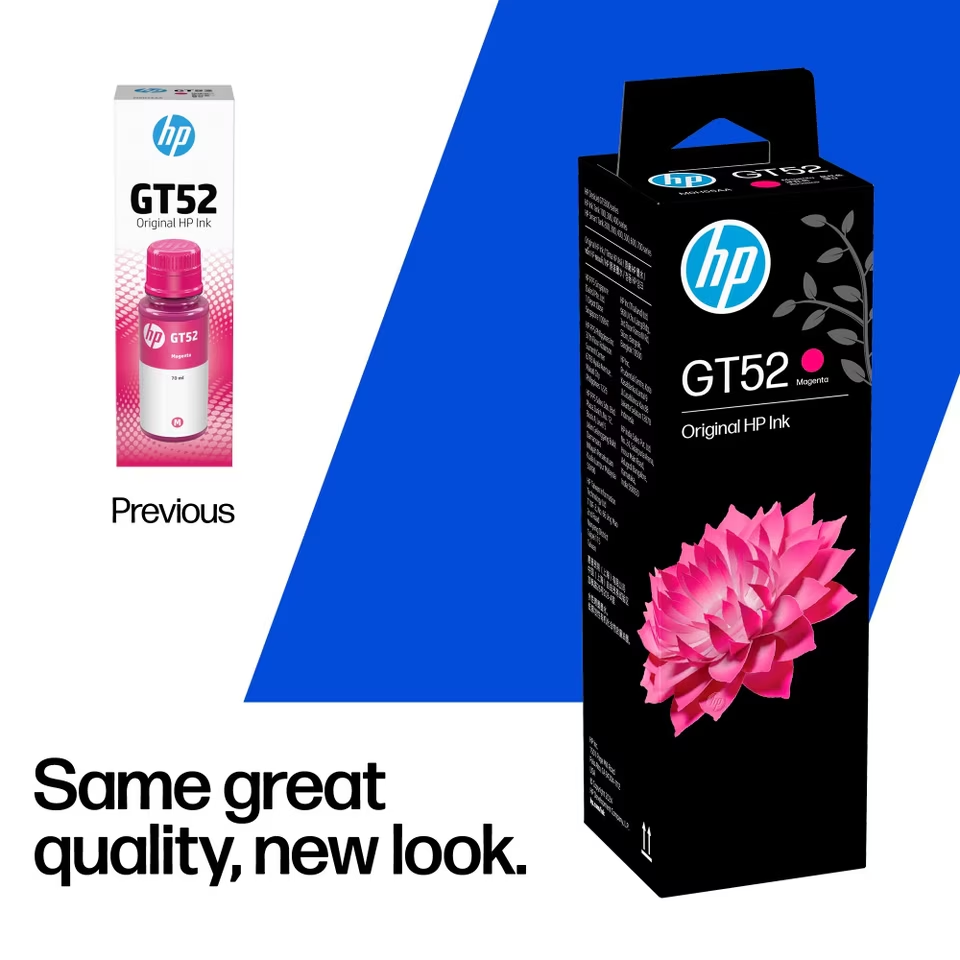
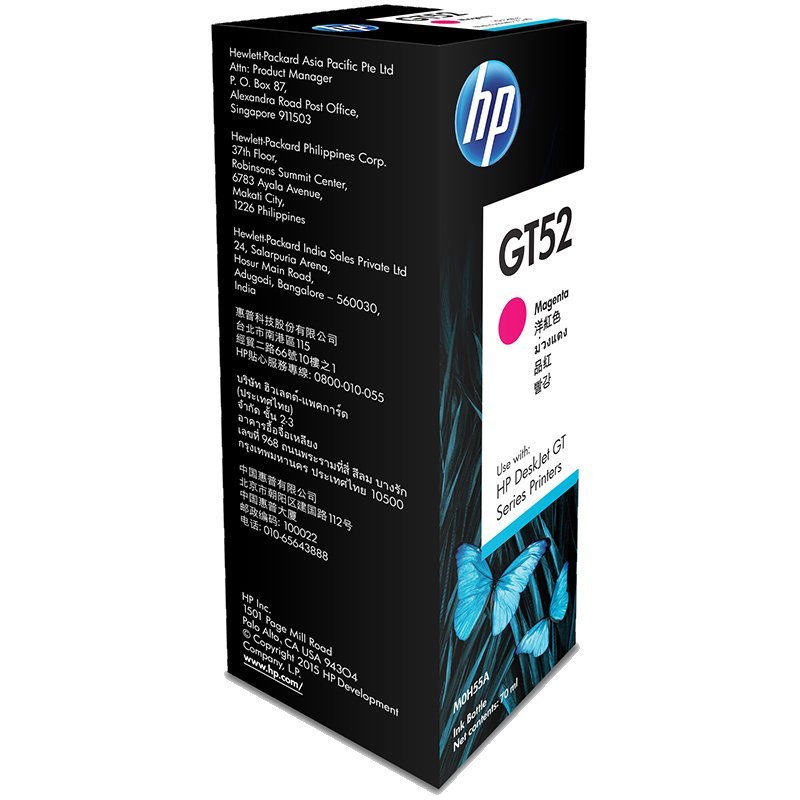
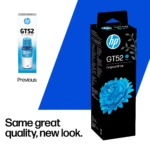
HP GT52 Magenta Ink Bottle 70ml – Original HP Ink, M0H55AA
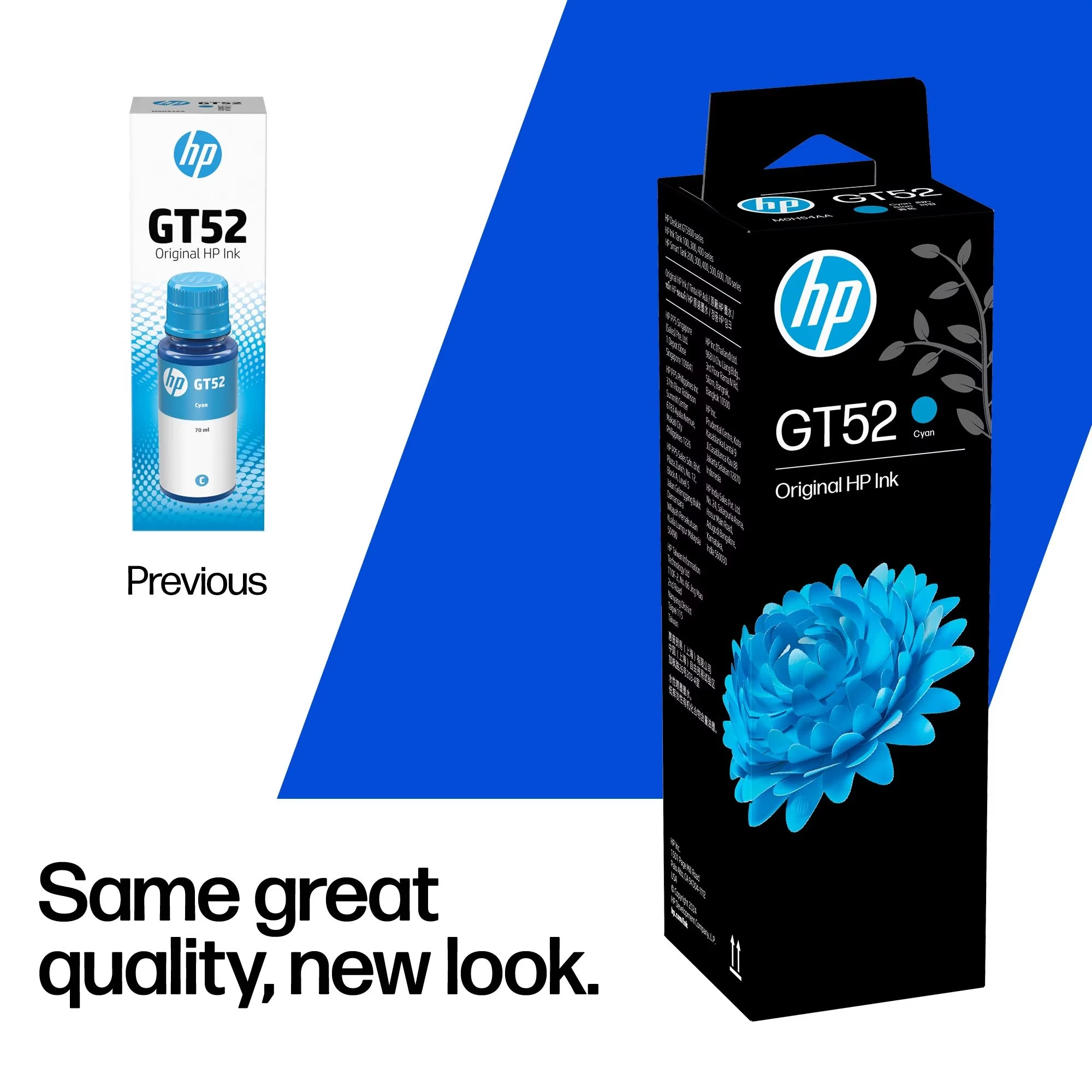
The HP GT52 Magenta Ink Bottle contains 70ml of Original HP dye-based magenta ink for selected HP refillable printers. Identified by manufacturer part number M0H55AA, it is a replacement supply for supported Ink Tank, Smart Tank and DeskJet GT models. Choose it when your printer specifies GT52 magenta ink and you need to replenish the matching tank.
Original HP Ink for Colour Documents and Images
Colour can make printed information easier to follow, whether you are preparing a report, a classroom handout or a presentation. Magenta contributes to the colour combinations your printer creates alongside its other inks. Maintaining the correct supplies helps you keep the printer ready for these everyday tasks.
Original HP ink is designed to produce quality documents and vibrant colour photographs with a compatible printer. Final results also depend on the printer, paper and settings you select. For important documents or images, choose suitable media and review the print settings before starting a larger batch.
For business printing, charts, tables and presentation notes that use colour can make key figures easier to distinguish. At home or in a study space, colour can support worksheets, diagrams and personal projects. Use the paper type and print mode appropriate to each job, and check a sample before printing multiple copies. This helps you assess layout, legibility and colour appearance on the actual sheet rather than relying entirely on the screen preview.
A 70ml Refill for Your Magenta Tank
This pack contains one magenta bottle, allowing you to purchase the colour you need individually. It is useful when planning replacement supplies for a printer that uses separate ink tanks.
When checking your supplies, compare the product name, colour and part number together. Keep M0H55AA in your purchasing records so the same replacement can be identified easily during your next order. This is particularly helpful in offices where more than one person handles stationery and printer consumables.
HP GT52 Magenta Ink Bottle Compatibility
Compatible examples listed by HP include:
- HP Ink Tank: 115, 116, 119, 315, 316 and 319.
- HP Ink Tank Wireless: 410, 412, 415, 416, 417 and 419.
- HP DeskJet GT: 5810, 5820, 5821 and 5822.
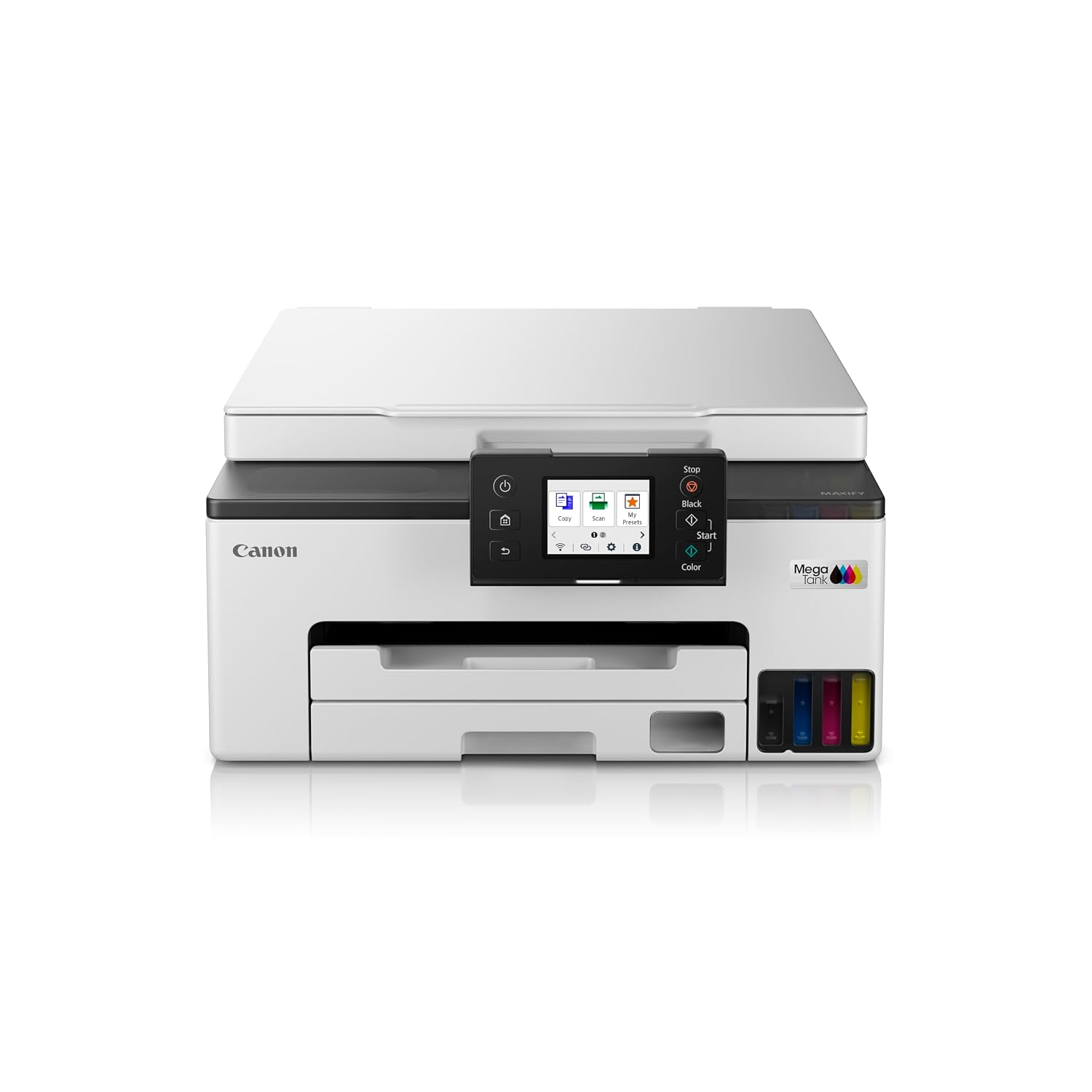
- HP Smart Tank: 500, 515, 516, 520, 525, 530, 580, 585, 670, 720, 750 and 790.
These examples cover selected models. Use the official HP GT52 Magenta compatibility information to confirm your exact printer before ordering. For several printers, check each model separately when preparing your supply list.
Understanding the Page Yield
HP gives approximate colour yields for these Smart Tank series:
| Printer series | Approximate colour yield |
|---|---|
| 210 / 520 / 580 / 590 | 10,100 pages |
| 530 / 610 | 9,500 pages |
| 670 / 720 / 750 / 790 | 9,100 pages |
These figures use HP’s testing methodology and composite colour printing with cyan, magenta and yellow inks. Actual yield varies with printed content and other factors. They should be used as estimates when planning supplies. A page with extensive colour coverage uses ink differently from a document with a small colour chart.
To plan repeat purchases, review how quickly each colour is being used in your own printer. Your printing habits provide a more useful guide to replacement timing than a fixed calendar interval. An office producing mostly text with small colour elements may have different refill needs from one printing material with extensive images. Check ink levels before a scheduled project so you can arrange supplies with time to spare.
Refilling and Storage
Follow the instructions for your particular printer when replenishing ink. HP’s Smart Tank refill guide explains the procedure for supported 500 and 600 series models, including matching the bottle to the correct tank and allowing the ink to drain without squeezing the bottle.
Prepare the printer and open the bottle when you are ready to refill. After filling, close the tank cap and secure the bottle cap. HP advises storing bottles containing leftover ink upright in a cool, dry place. Keeping the label readable also makes the colour and supply number easier to check before future use.
Key Product Specifications
| Specification | Details |
|---|---|
| Brand and model | HP GT52 |
| Manufacturer part number | M0H55AA |
| Colour and volume | Magenta, 70ml |
| Formulation | Dye-based |
| Printing technology | HP Thermal Inkjet |
| Pack contents | One ink bottle |
| Manufacturer warranty | Six-month limited warranty; return to HP/dealer |
Order from Aadinath Peripherals and Consumables
For HP GT52 Magenta Ink Bottle enquiries, contact Aadinath Peripherals and Consumables. Share your printer model and quote M0H55AA so your enquiry clearly identifies the required supply. For an office purchase, include the quantity you need and any other ink colours on the same enquiry.
Call 9076000285 or email sales@aadinathperipherals.com for product enquiries.

Technical Specifications
| Specification | Details |
|---|---|
| Brand | HP |
| Model | GT52 |
| Manufacturer part number | M0H55AA |
| Product type | Original ink bottle |
| Ink colour | Magenta |
| Ink volume | 70ml |
| Ink formulation | Dye-based |
| Print technology | HP Thermal Inkjet |
| Pack contents | 1 magenta ink bottle |
| Package dimensions | 47 × 47 × 150mm |
| Package weight | Approximately 0.11kg |
| Manufacturer warranty | 6-month limited warranty; return to HP/dealer |

Reviews
Clear filtersThere are no reviews yet.